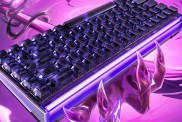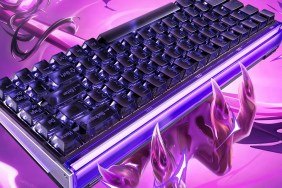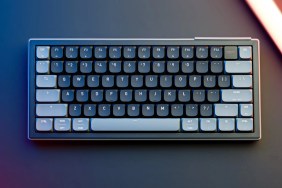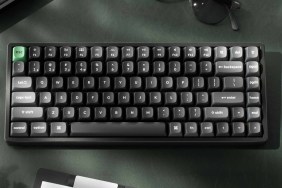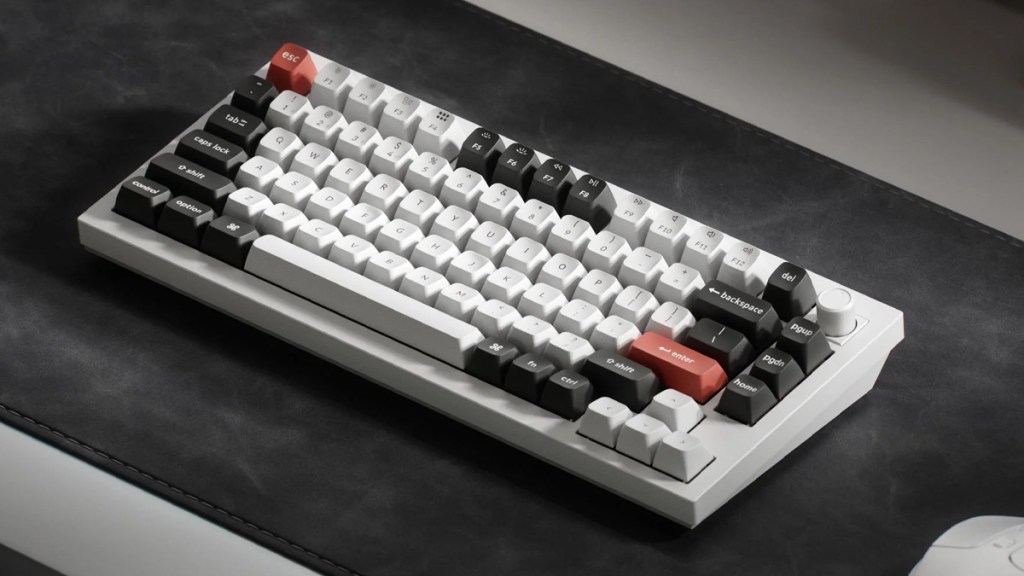
The Keychron Q1 Ultra 8K is the smallest in the company’s new “Ultra” range. It’s 75%, making it compact, but not so compact as to lose must-have functionality. As part of the Ultra lineup, the Q1 Ultra 8K boasts an impressive set of features that make it look fantastic on paper, but how has it fared during my real-world testing? Here is my review.
Big on features
Let’s not beat around the bush, as the Keychron Q1 Ultra 8K boasts many features worth highlighting. Right out of the box, the Q1 Ultra 8K impresses with its hefty all-metal frame construction. It feels premium, which always makes for a good first impression.
Keychron’s Silk POM switches, which are hot-swappable, combine with screw-in stabilizers, a double-gasket design, and acoustic layers to make for an excellent typing feel and sound. I’ve tried all three of Keychron’s new Silk POM switches and I’d advise passionate competitive gamers to go for the linear Red, while those who are about 50:50 when it comes to office work and gaming should go for the tactile Banana option. The tactile Brown is a good middle point.
Connection choice
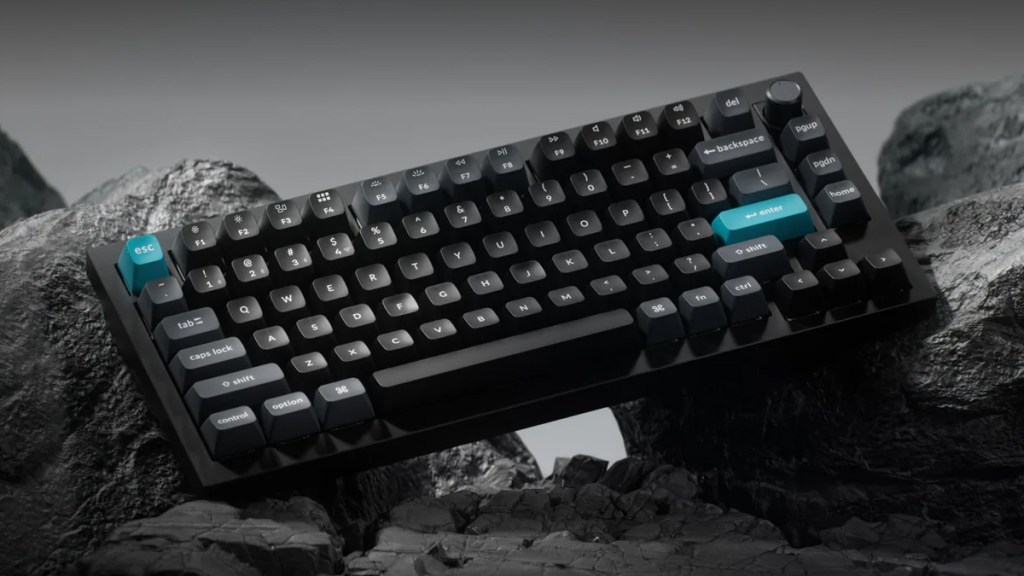
As for connectivity, the Q1 Ultra 8K supports wired, 2.4 GHz wireless, and Bluetooth 5.3. Those looking to take advantage of the 8,000 Hz polling rate can do so in both wired and 2.4 GHz modes, which is a big winner. For less competitive gamers out there, and for those looking to use the Q1 Ultra for a lot of typing while still benefiting from wireless, turning on the Bluetooth mode will result in much longer battery life.
Switch it up
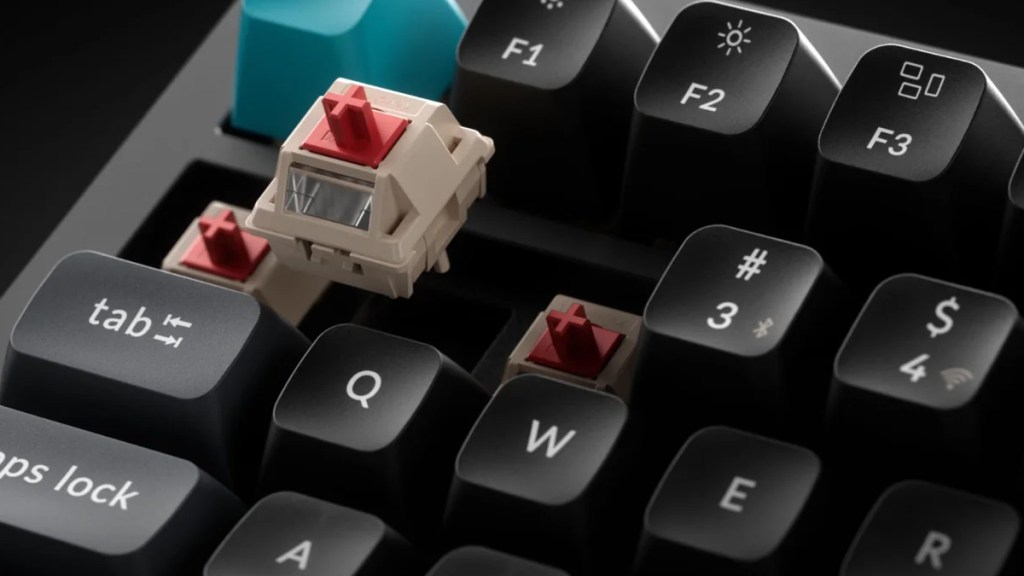
My main nitpick with the Q1 Ultra 8K, like with the other Ultra boards, is the Silk POM switches. While they are undoubtedly smooth and more than get the job done, there is a hint of mushiness that I’m not a fan of. While I can put up with bad-feeling Hall Effect switches in exchange for that game-changing advantage, the switches in the Ultra line aren’t magnetic and so don’t boast that same allure.
Disclosure: Review sample provided by Keychron.
Final Verdict
At $229.99, the Keychron Q1 Ultra 8K is a strong premium option that gets a lot right, with excellent build quality, great features, and broad appeal for both work and play. It isn’t flawless, and some users may want a little more from the stock switch feel, but the overall package is still easy to like.
Positives and Negatives
-
Premium hefty all-metal frame
-
Excellent typing feel and sound
-
Hot-swappable switches add flexibility
-
Strong wired and wireless connectivity
-
No magnetic-switch performance advantage
-
Broad appeal for work and play
-
Price is firmly premium
-
Slight mushiness in stock switches