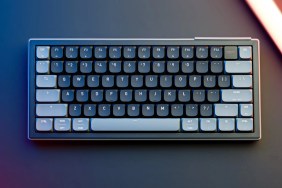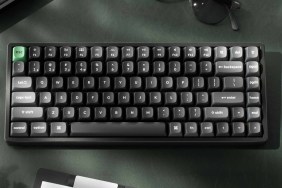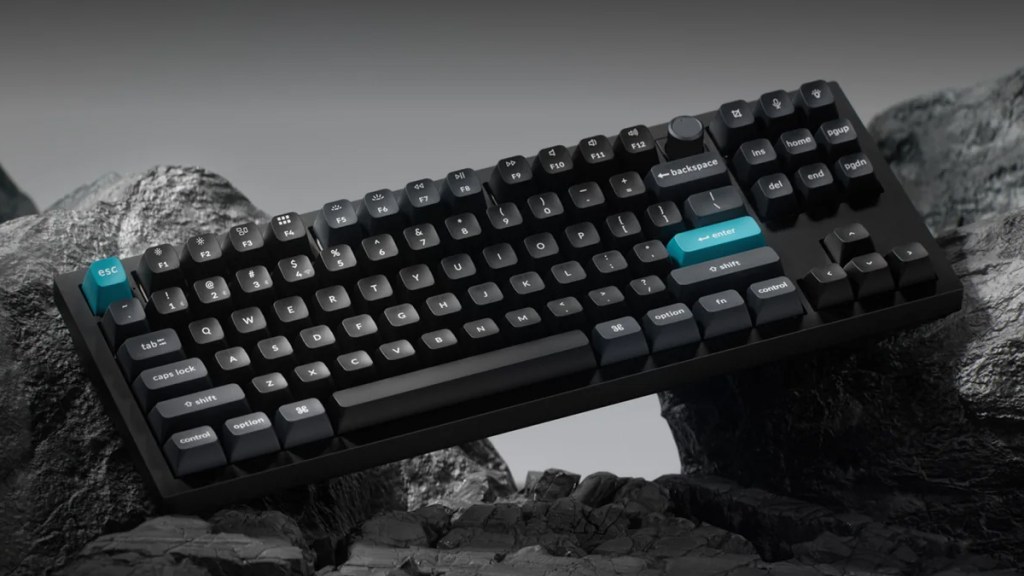
The Keychron Q3 Ultra 8K takes the company’s new Ultra formula and applies it to an 80% TKL layout. That means more room for dedicated keys than the Q1, while still keeping things relatively compact. On paper, it ticks a lot of boxes for both gamers and general users, but how does it hold up in real-world use? After spending time with it for work and play, here is my review.
More room, same premium feel
First impressions are strong. The all-metal chassis gives the Q3 Ultra 8K that dense, premium feel you’d expect at this price point, and it immediately comes across as a serious bit of hardware.
Like the other Ultra boards, it pairs Keychron’s Silk POM switches with screw-in stabilizers, a double-gasket design, and acoustic foam layers. The result is a keyboard that feels cushioned and sounds pleasingly refined. Hot-swappable support is also a big plus, especially for enthusiasts who know they may want to experiment with other switches later on.
When it comes to switch choice, competitive gamers will likely want to look at the linear Red option, while those splitting their time between gaming and typing will probably be better served by the tactile Banana. Brown remains a decent middle-ground choice.
Flexible connectivity
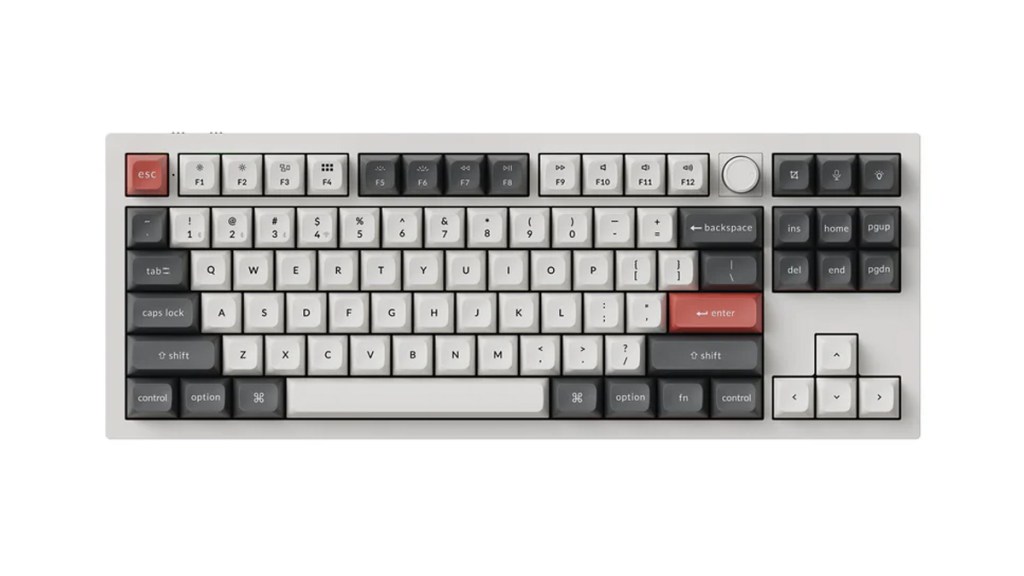
The Q3 Ultra 8K supports wired, 2.4 GHz wireless, and Bluetooth 5.3, so there’s no shortage of connection options. Those wanting to make the most of the 8,000 Hz polling rate can do so in both wired and 2.4 GHz modes, which is a major plus.
For less competitive play, or for those planning to do a lot of typing over wireless, Bluetooth will be the better option for battery life. That flexibility remains one of the strongest parts of the Ultra lineup.
A familiar complaint
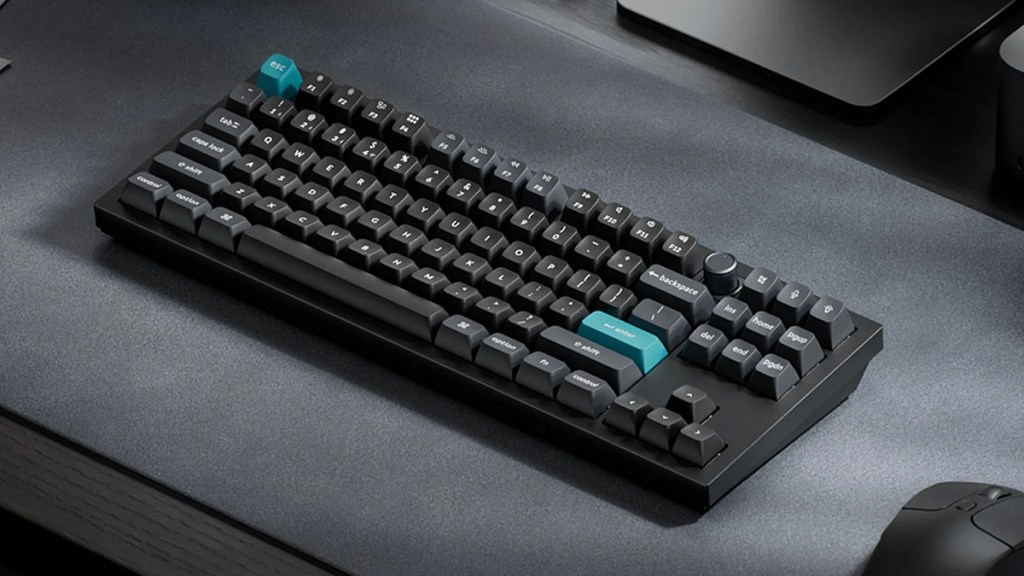
My biggest sticking point remains the stock Silk POM switches. They’re smooth and perfectly usable, but there’s a slight mushiness to the feel that stops them from being truly great.
That stands out more here because these aren’t Hall Effect switches with extra gaming-focused appeal. They get the job done, but I can see some users wanting a crisper stock experience.
Disclosure: Review sample provided by Keychron.
Final Verdict
At $229.99, the Q3 Ultra 8K makes a solid case for itself in the premium TKL space. It looks and feels the part, offers excellent connectivity, and delivers a polished overall typing experience. Most of what’s here lands well, even if the stock switches aren’t a total home run.
Positives and Negatives
-
Premium all-metal TKL build
-
Refined typing feel and sound
-
Hot-swappable switches add flexibility
-
8,000 Hz polling in wired and 2.4 GHz modes
-
Great balance for work and play
-
No Hall Effect-style gaming edge
-
Price is firmly premium
-
Slight mushiness in stock switches