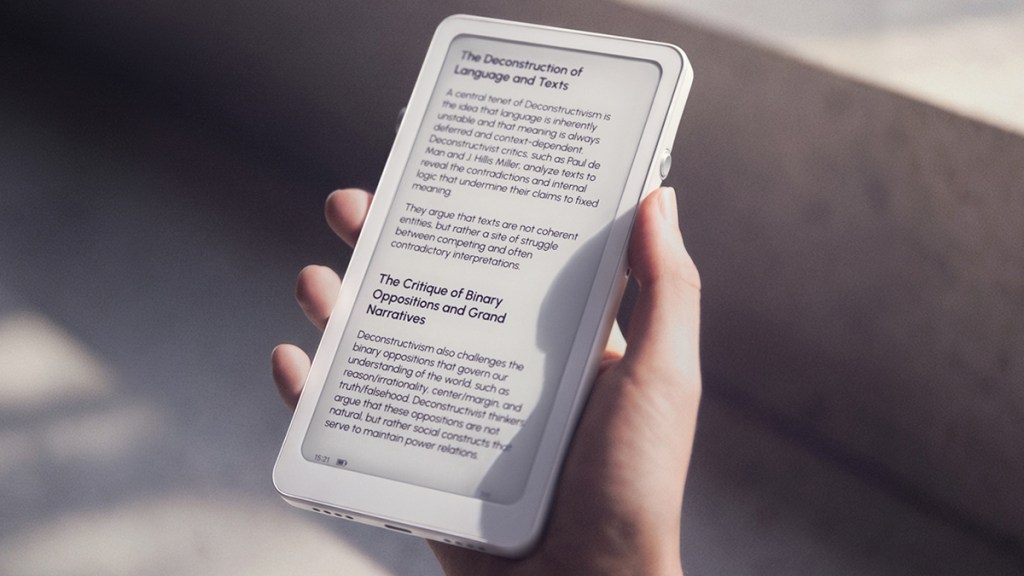
The DuRoBo Krono aims to make users more focused on meaningful tasks and less distracted by “doomscrolling” on social media apps. It might look like a mobile phone, but it’s really the anti-phone, built around intentionality and, primarily, reading. Though it does have some other tricks up its sleeve. After using it for a couple of weeks, it’s time for my DuRoBo Krono review.
Solid first impressions
Out of the box, the Krono makes a good first impression with its 6.1” ePaper display with a 824×1648 resolution (300 PPI). Turn it on and you’ll note the adjustable front light, with temperature controls. The anti-glare coating is also worth a mention, as the matte finish makes reading in strong daylight a non-issue.
As this is foundationally an Android tablet, potential buyers will want to know the specs. Under the hood is an octa-core processor, 6 GB RAM, 128 GB of storage, and a 3,950 mAh battery. In my testing, these specs held up very well. Though you realistically won’t be gaming or doing any intensive editing on this device, it’s nice to have decent specs to keep things as snappy as they can be with an ePaper display.
Yes, it’s Android
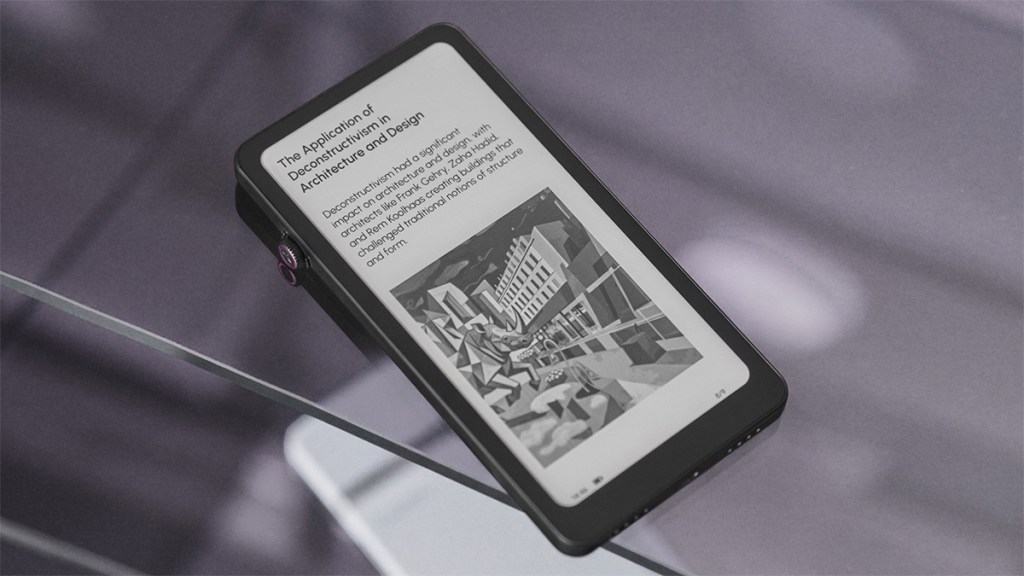
The Krono using Android does indeed mean it has access to the Google Play Store, where popular reading apps like Kindle and Kobo can be installed, sure, but so can most other apps. This freedom is what makes non-Kindle devices so attractive and it’s a real plus point for Krono.
Installed software includes the Spark app, which is the Krono’s note-making app, with text and voice notes supported. These can then be transcribed and summarized by AI. Additional AI functionality allows for questions to be asked through prompts.
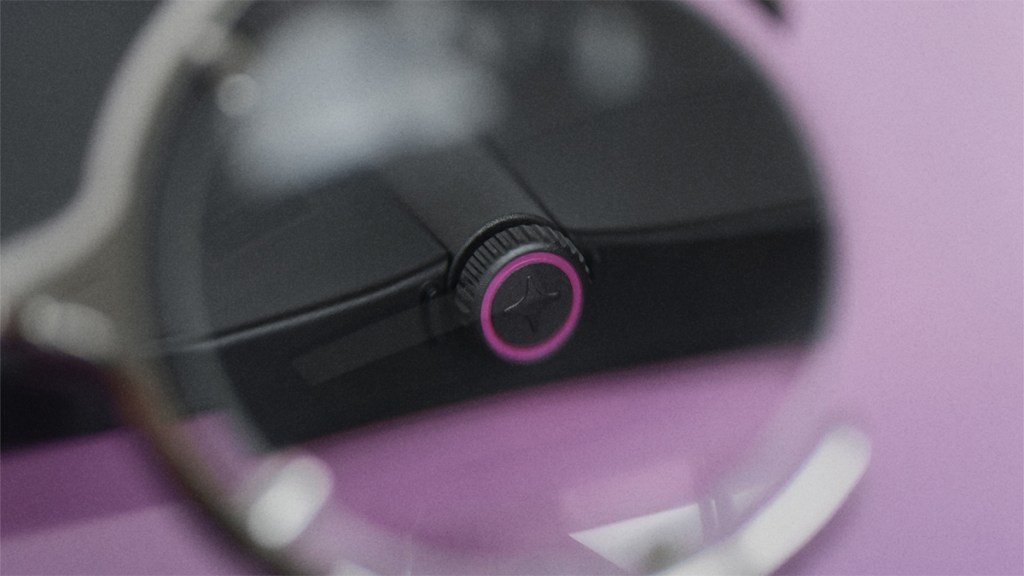
Setting the Krono apart from the competition is a physical Smart Dial. This allows users to scroll through pages without touching the screen, which is a nice touch. For those who want to go a step further, the sold-separately Moodi remote can be used to turn pages, control media, and be customized with other shortcuts. The Moodi works well, but I didn’t find it necessary.
Pros and cons
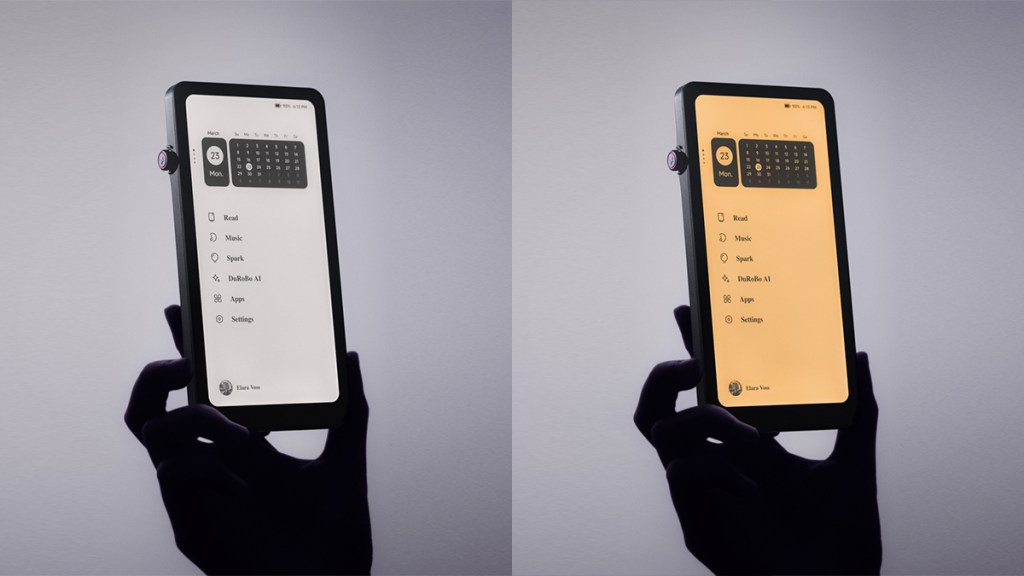
Reading is where the DuRoBo Krono excels. Text is crisp, even at larger sizes, and the front light works well in darker conditions. Its size and weight also make it easy to use over longer periods, particularly in more cramped environments, for example when standing on a train at peak times.
Battery life is also superb, as is the Smart Dial. It might have limited functionality, but being able to scroll pages without grubbying up the screen is a win in my books! I would like to see more functionality added to the Smart Dial in the future, as there seems to be quite a bit of potential there what with being able to push it in, double clicks, etc.
Another area of improvement for a potential next version could include expandable storage, which some competitors provide. As this is a more premium-priced ePaper device, the more features packed in, the better!
Disclosure: Review sample provided by DuRoBo.
Final Verdict
At $279.99, the DuRoBo Krono is not cheap, but its sharp display, strong battery life, Android support, and useful Smart Dial help justify the price. Expandable storage and more dial functions would improve it, but it remains a strong choice for focused reading.
Positives and Negatives
-
Crisp, sharp 300 PPI display
-
Excellent battery life for reading
-
Matte screen handles daylight well
-
Android supports many reading apps
-
Smart Dial enables cleaner scrolling
-
AI notes, transcription, and summaries
-
Expandable storage would have been nice to see
-
Premium price limits overall value