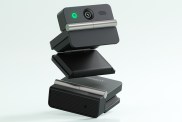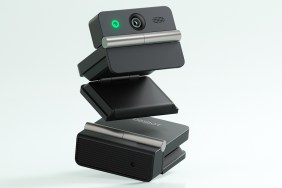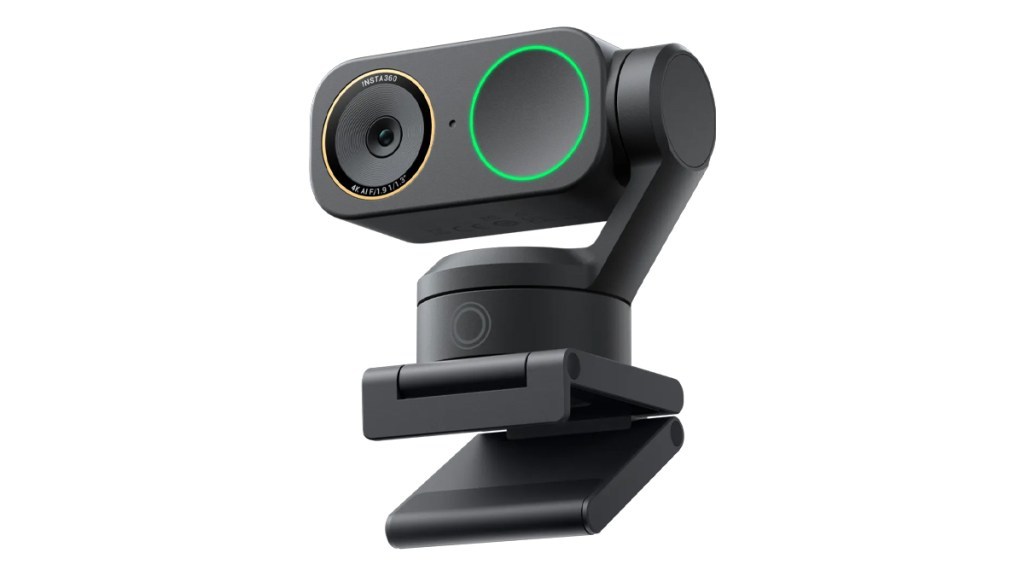
The Insta360 Link 2 Pro is the company’s latest gimbal-equipped webcam, boasting better visual quality and audio that should make it capable of being an all-in-one solution for presenting, meetings, and/or content creation. Here is my review.
A quality upgrade
With the Insta360 Link 2 Pro plugged in and the app installed, it’s time for first impressions. Happily, the 1/1.3” sensor delivers a big boost in visual quality. Most crucially, it allows for better performance in low-light conditions, which is fantastic for users who can’t always guarantee great lighting, like at night or in dimly lit rooms.
Looking its best, the Link 2 Pro caps out at 4K 30 FPS. Higher frame rates are available, at the cost of resolution. However, this might not be too bad a thing as, if you’re scaling down the webcam view to put in the corner for gameplay or live streaming, then the reduction in resolution will likely be imperceptible. Then you could match everything to 60 FPS, the most common game-streaming frame rate, and everything would look great.
For non-gameplay-related applications, 4K 30 FPS works great and is my go-to for vlogging. The image is super crisp, and we really are getting close to DSLR-like quality.
Other enhancements
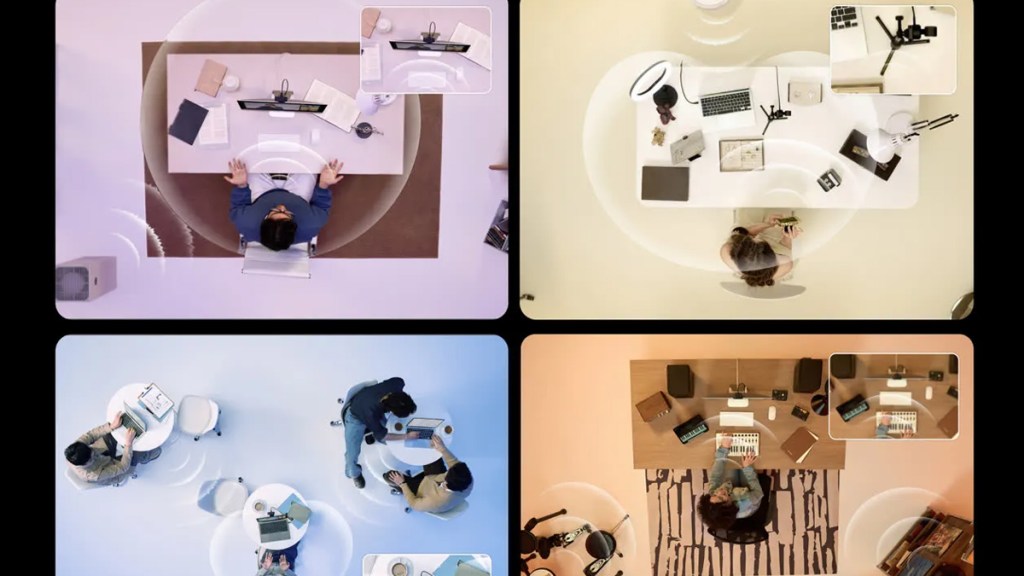
Audio has been given a bump up, too, with the dual-microphone system benefitting from AI noise-cancelling and various pickup modes. Though I personally opt for a dedicated microphone, it’s good to know the Link 2 Pro can deliver acceptable sound quality for any meetings or presentations where my usual microphone isn’t available.
The autofocus is worthy of a shout-out, too, as it uses phase detection. The most common application is when you hold something up close to the lens. The vast majority of other cameras would hunt for focus, while the Link 2 Pro is quick to lock in on the new object. It’s impressively quick.
The gimbal advantage
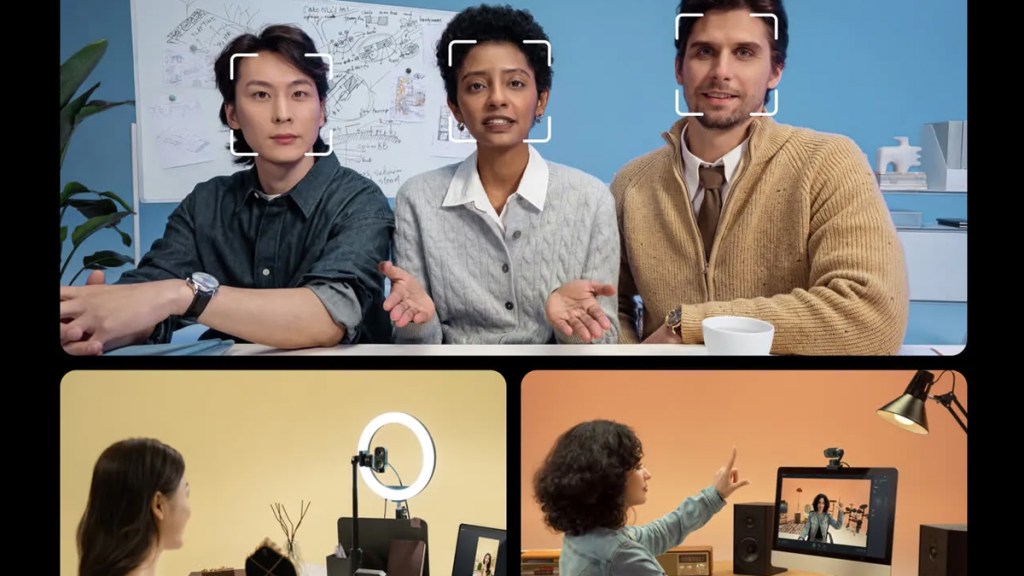
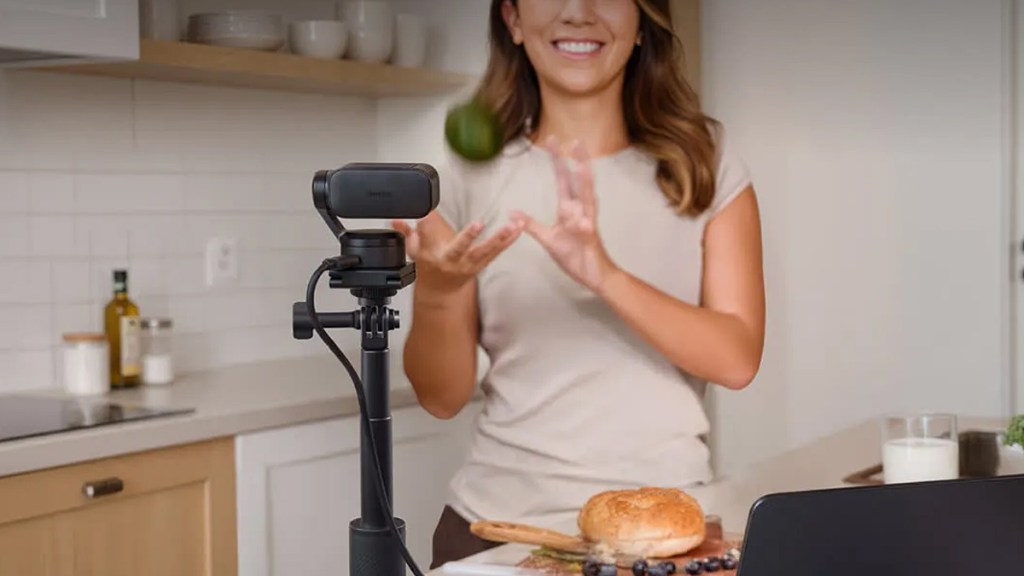
Arguably the biggest advantage that the Link 2 Pro has over the cheaper Link 2C Pro is the two-axis gimbal. Using AI tracking, the Link 2 Pro can follow the user to keep them in the frame, even if that user starts moving around the room. This is great for those who want to present different things within their space, even if that space covers a wide area.
DeskView Mode and Whiteboard Mode are also supported, two features that educators are sure to appreciate.
Bigger but better?
I don’t have much to complain about when it comes to the Insta360 Link 2 Pro. The company has worked to polish every aspect with this release, perhaps due to the level of competition. I suppose portability is the main weakness when compared to the likes of the OBSBOT Tiny 3, as that competing webcam is very small and comes with its own case.
However, I am nitpicking, as I think the Link 2 Pro boasts the superior image quality over OBSBOT’s lineup. Either way, there are many great cameras vying for your attention right now!
Disclosure: Review sample provided by Insta360.
Final Verdict
At $249.99, the Insta360 Link 2 Pro delivers strong overall performance with clear image quality, improved audio, fast autofocus, and the added flexibility of its two-axis gimbal. While it may not be the most portable option, it stands out as a polished, capable webcam for meetings, presentations, and content creation.
Positives and Negatives
-
Excellent low-light image performance
-
Large 1/1.3-inch image sensor
-
Crisp 4K video quality
-
Fast and reliable autofocus
-
Two-axis AI gimbal tracking
-
Improved dual-microphone system
-
Useful DeskView and Whiteboard modes
-
Limited to 4K 30 FPS
-
Audio still below dedicated mics
-
Larger than some competitors