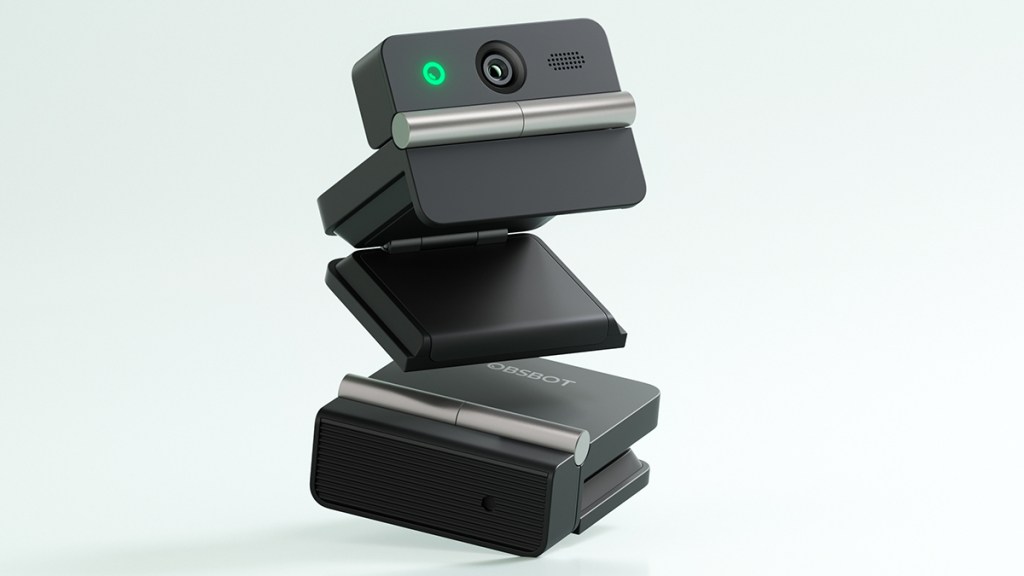
The OBSBOT Meet Flip aims to deliver high-quality 4K video, AI features, and physical privacy in a tiny package. Having come away impressed with several of OBSBOT’s previous webcams, I was curious to see where this new model would fit in. After testing it for video calls and comparing it with the Meet 2, which has been my daily driver since testing it, here is my review.
Privacy built in
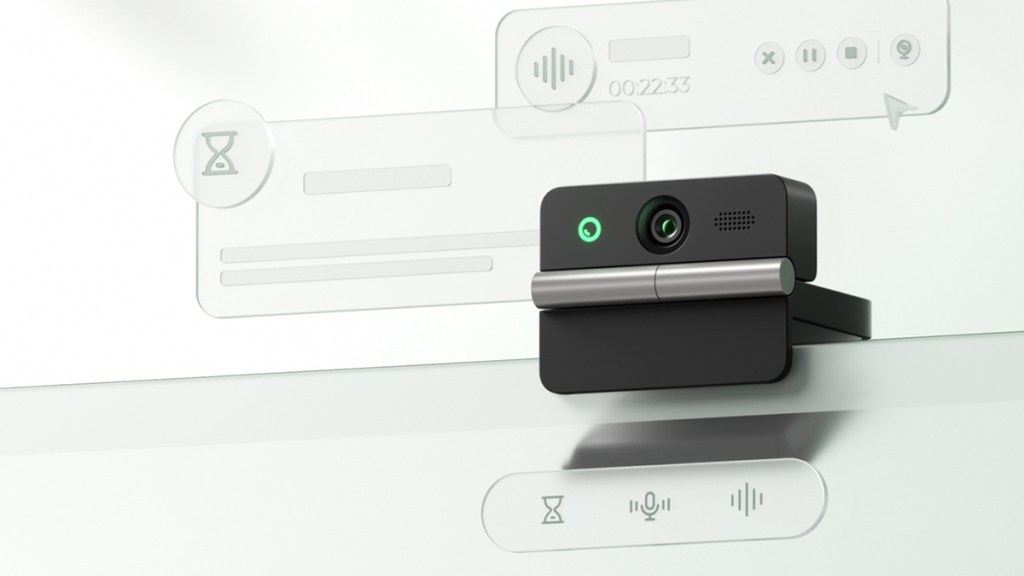
The clue is in the name. Closing the Meet Flip turns the lens inward against the integrated clip and automatically sends the webcam to sleep. I’m always happy to see privacy features on webcams, and this implementation is more convenient than keeping track of a separate cover.
At 37.7g, it’s easy to move between systems, effortlessly attaching to my desktop when at home and my laptop when on the move. The clip remained secure during my testing, while the hinge feels suitably robust.
Looking sharp
The 1/2-inch sensor can capture 4K at 30 FPS or 1080p at 60 FPS. I preferred the sharper 4K option, which looked great during Google Chat calls and on Discord. The 60 FPS mode may be more preferable when using the camera view alongside video game footage, to match the smooth action being captured.
Compared directly with the OBSBOT Meet 2, image quality is broadly similar. The Flip’s improvements are more about convenience, privacy, and meeting features than a major leap in picture quality.
Good lighting still produces the best results, so I’d recommend facing a window or putting a light in front of you where possible. In darker conditions, noise becomes noticeable, but the image remains usable and is miles better than the camera built into the older Windows laptop I tested. If you’re just looking for a quick-and-easy upgrade to an integrated laptop webcam, the Meet Flip does the job nicely.
Autofocus is fast and caused no problems. AI Auto Framing also did a great job of keeping me in shot, rarely losing track of me. Some sharpness is inevitably lost through the digital crop, but the feature justifies that small compromise.
Lots to explore
OBSBOT Center has improved significantly over the years. It ran well during my testing and makes the sizeable collection of settings approachable.
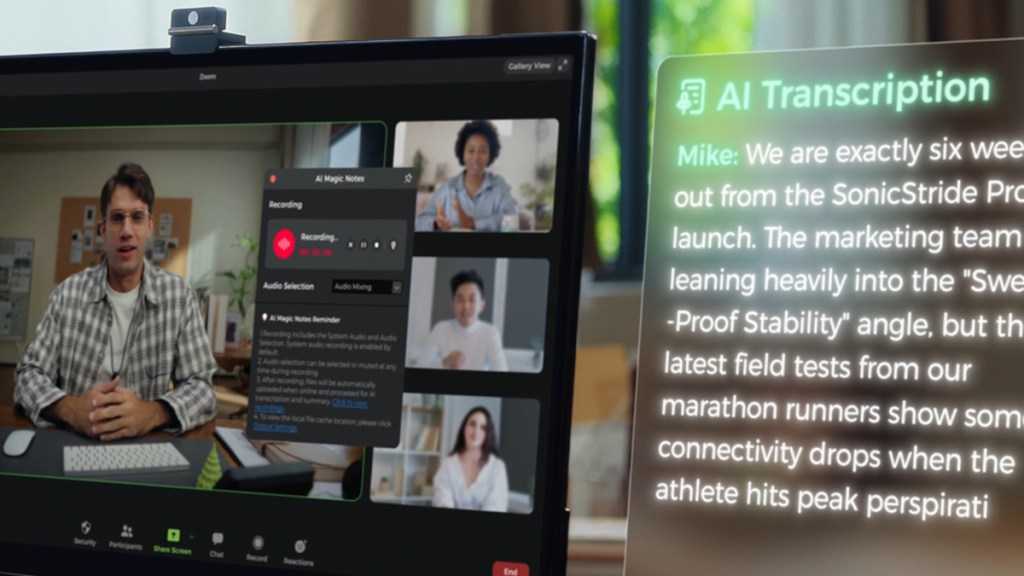
Gesture controls, background replacement, eye tracking, teleprompter support, and picture-in-picture are all available. There’s also AI Magic Notes, which can transcribe and summarise meetings. Buyers receive 120 complimentary minutes, but continued use requires a subscription. With users increasingly surrounded by subscription services, I can see that limiting its appeal.
Audio limitations
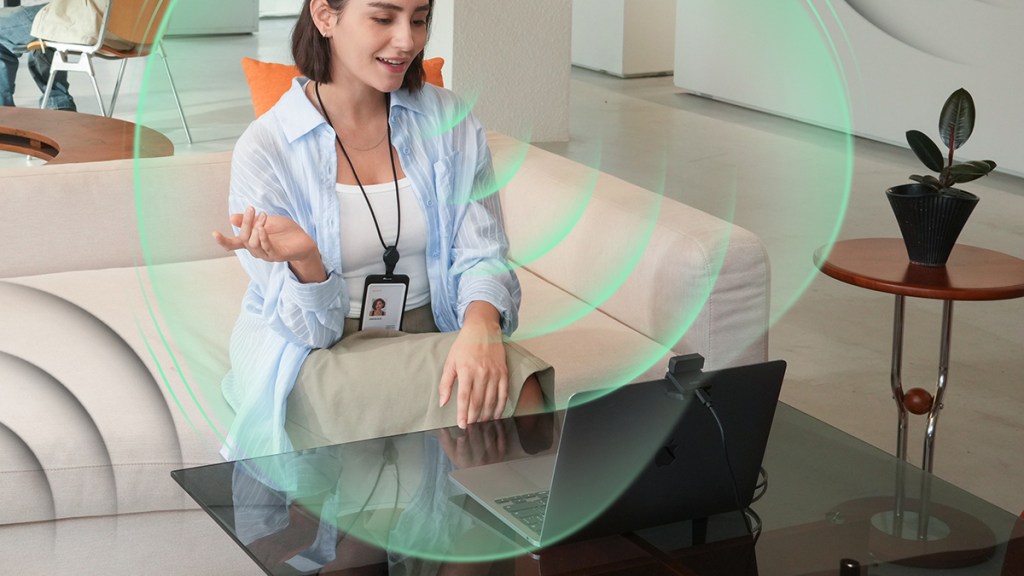
The four microphone modes provide options for solo calls, interviews, and group meetings. Audio is sufficient for everyday use, but loud mechanical keyboards can still make themselves heard. For a more professional presentation, I’d use a dedicated microphone, though that means factoring in another expense and adding another device to your on-the-go setup.
Disclosure: Review sample provided by OBSBOT.
Final Verdict
At $119, the OBSBOT Meet Flip is a significant upgrade over the webcam built into most laptops. It combines sharp 4K video, reliable auto-framing, polished software, and an excellent folding privacy design. The microphone isn’t particularly impressive and some buyers may never touch the extensive extras, but having them available is better than not. It can also handle a smaller face-cam window for YouTube or streaming, making this a versatile little webcam.
Positives and Negatives
-
Sharp, natural-looking 4K video
-
Fast and reliable autofocus performance
-
Accurate AI auto-framing performance
-
Clever integrated privacy design
-
Compact and highly portable build
-
Polished and approachable companion software
-
Extensive range of meeting features
-
Built-in microphone is merely adequate
-
AI Magic Notes requires subscription