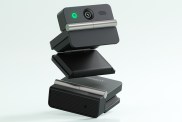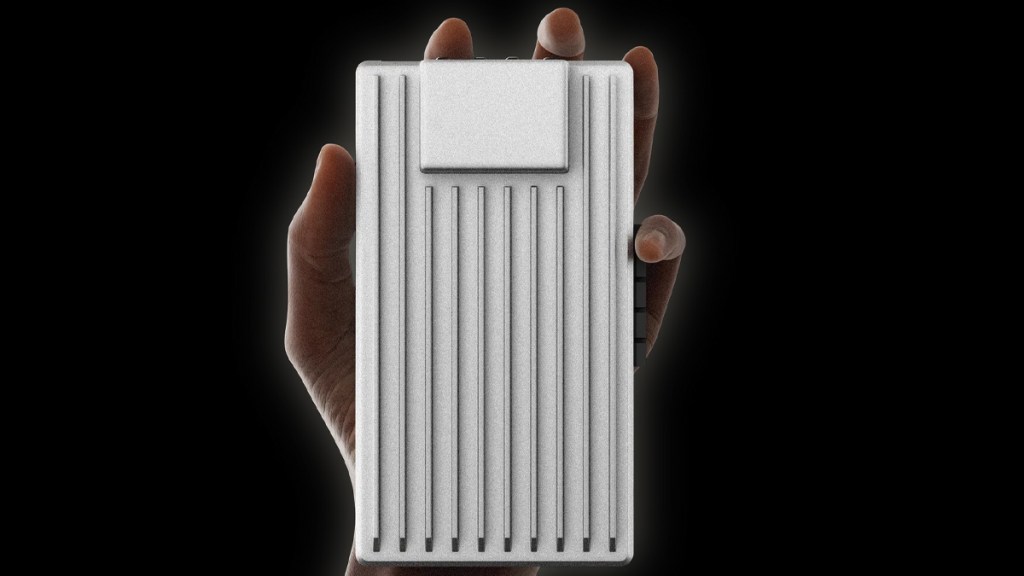
The ZimaBoard 2 is a compact x86 server board that can be turned into a mini NAS, home server, media box, or self-hosting hub. While NAS and home server devices can sound intimidating, the idea here is simple enough: give users a compact system that can store files, run useful apps, stream media, and back up devices without needing a full-size server humming away in the corner. For us here at GameRevolution, that means taking those gameplay captures, screenshots, movies, mods, and years of random files scattered across drives, and getting them safely backed up. What’s not to like? Well, after thorough testing, it’s time for my review.
Small in stature, but big on features
Powering the ZimaBoard 2 is Intel’s N150 processor, which is a big upgrade over the original model. It is joined by soldered LPDDR5 memory, with 8GB and 16GB configurations available. Because both the RAM and eMMC storage are soldered onboard, it is worth choosing carefully at purchase. The 16GB version is the one I’ve been testing, and it’s the one I would lean toward if pricing remains stable. It gives the board more breathing room for multiple apps, media streaming, backups, and tinkering.
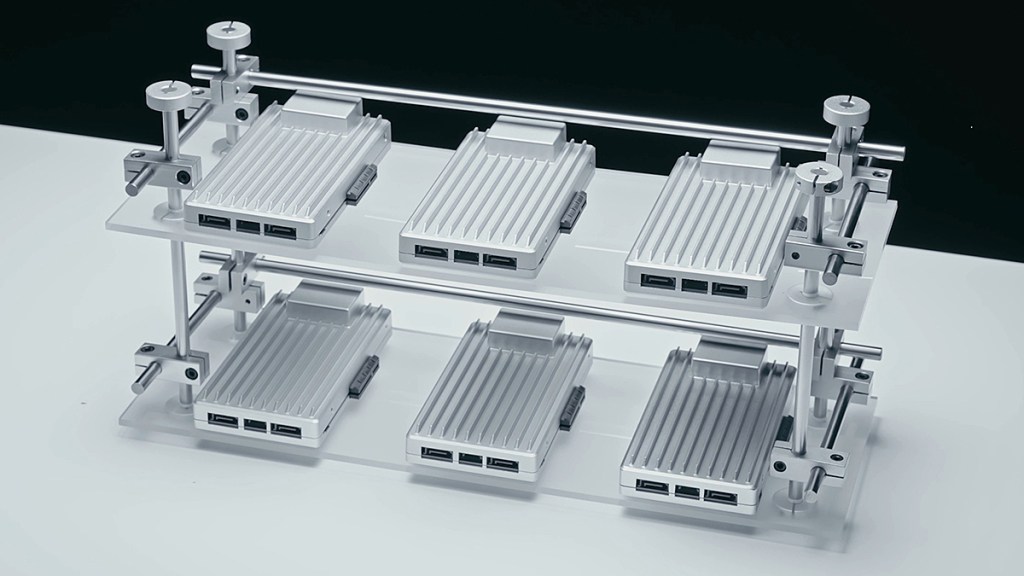
As you might expect, storage is a major focus. The ZimaBoard 2 has dual SATA connections, letting users hook up drives and build a compact two-drive NAS setup. Raw capacity is listed at up to 36 TB, depending on the drives used, though usable space will vary depending on formatting and RAID setup.
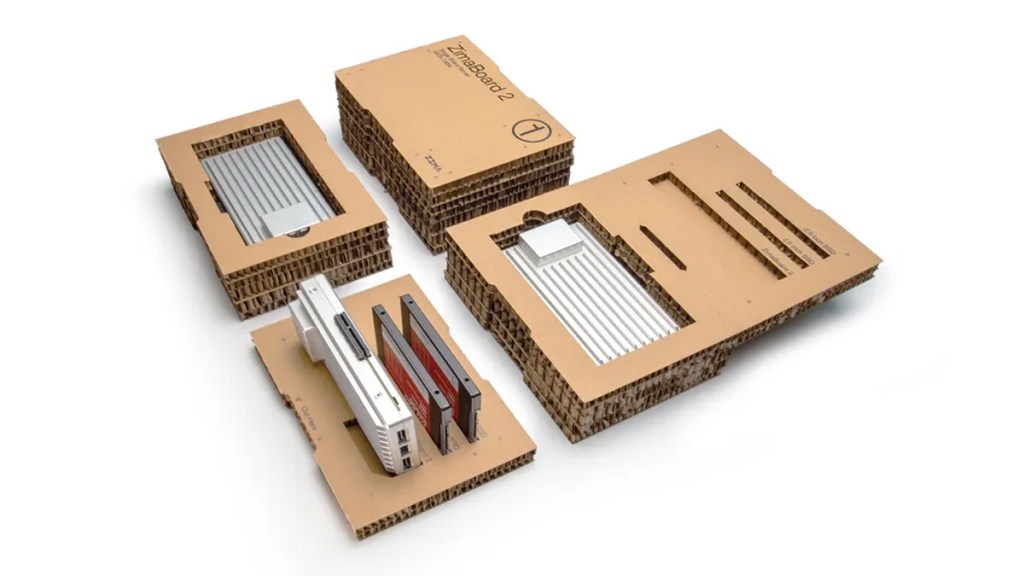
The I/O selection is also impressive for something this small. Dual 2.5 GbE Ethernet is great to see, especially for faster transfers around the home, and PCIe 3.0 expansion gives more adventurous users room to experiment.
ZimaOS comes pre-installed, and it is a strong stock option for users who want a friendlier starting point. Zima also says users can install other operating systems such as TrueNAS, Proxmox, Debian, Ubuntu Server, pfSense, OpenWrt, or Windows, depending on their setup and experience level.
Thoroughly flexible
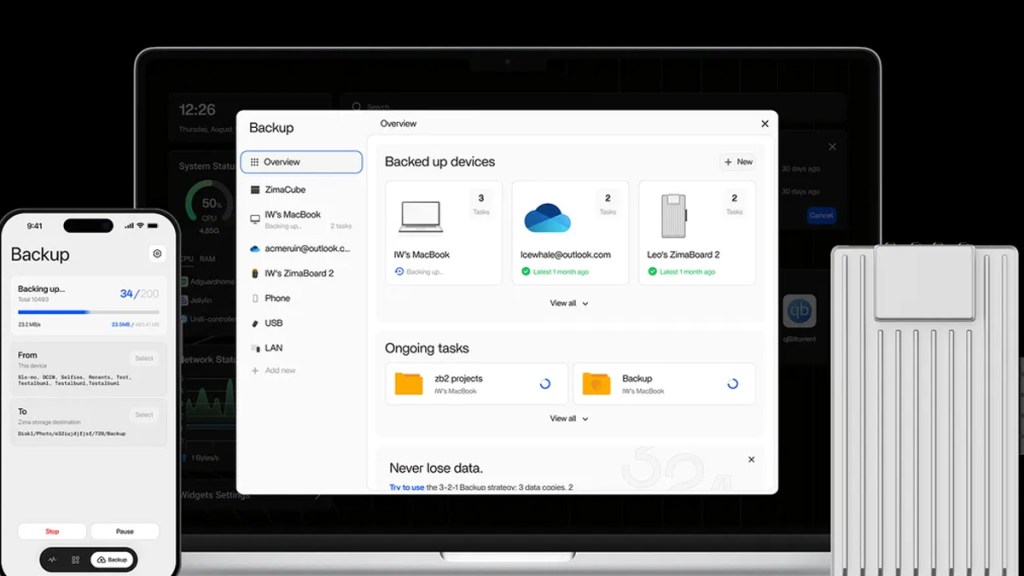
The biggest strength of the ZimaBoard 2 is just how flexible it is. For media consumers (and hoarders) like me, this device became the place where captures, screenshots, media folders, game backups, and shared household files live. It’s also great for media streaming.
ZimaOS does a good job of taking the headache out of setup and management. The dashboard, file tools, app store, and storage options make the experience feel approachable, which is important for NAS newcomers. While advanced users will find plenty to tweak, it’s good to know that newcomers won’t feel totally lost with this introduction to the world of NAS.
In use, this is exactly the kind of product I want quietly working away in the background. It does not take up much space, it does not demand much attention, and it opens the door to PC backups, media streaming, and local file access without relying on another cloud subscription.
Almost perfect
When it comes to downsides, there is nothing here that feels glaringly offensive, but there are some things to note. As mentioned earlier, while the ZimaBoard 2 is approachable, it is not completely hand-holdy. More advanced storage, networking, and app setups may still require some learning.
The PCIe expansion is exciting, though users should be realistic. This is a small system, so low-power add-ons make the most sense. Don’t expect it to behave like a full desktop or rack server.
Disclosure: Sample provided for review. Available to buy here.
Final Verdict
Starting at $339, the ZimaBoard 2 is a more premium pick, but it’s incredibly polished and ticks plenty of boxes. It is compact, quiet in fanless use, flexible, and powerful enough for the jobs most home users and PC gamers will actually care about. It is not the most beginner-proof option out there, but it balances approachability with plenty of room to grow.
Positives and Negatives
-
Compact, stealthy design
-
ZimaOS makes setup approachable
-
Dual Ethernet supports faster transfers
-
PCIe expansion adds flexibility
-
Flexible for many home uses
-
Pricing is high for this kind of product
-
RAM is soldered
-
Setup isn't super straightforward