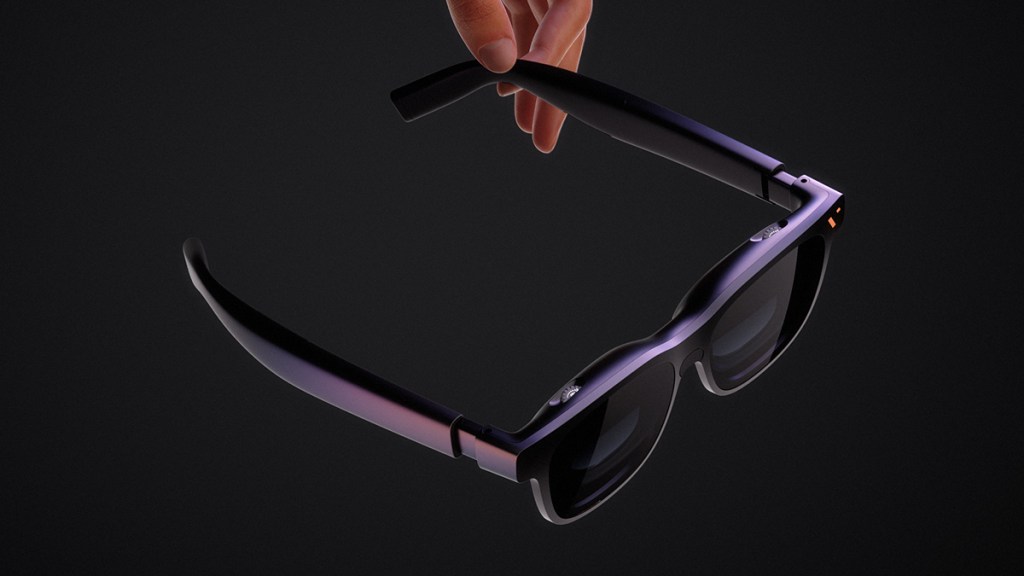
The VITURE Pro 2 XR glasses attempt to make the company’s display-glasses experience considerably more affordable without sacrificing the qualities most people will notice. They lose some of the Beast’s more advanced hardware, but retain a crisp private display, practical vision adjustments, and a lightweight design. After testing the Pro 2 for three weeks across movies, TV shows, and video games, here is my review.
Sharper than expected
The Pro 2 uses Sony Micro-OLED displays with a resolution of 1920×1080 per eye. It supports refresh rates up to 120Hz, has a 50-degree field of view, and produces what VITURE describes as a 146-inch virtual screen. As for brightness, the company says that the Pro 2 caps out at 1,600 nits.
In practice, games, movies, and smaller text all looked impressively clean for a $299 pair of glasses. Once I had found the right combination of nose pad, temple angle, and viewing position – all of which are very easy to adjust on this model – I enjoyed impressive clarity.
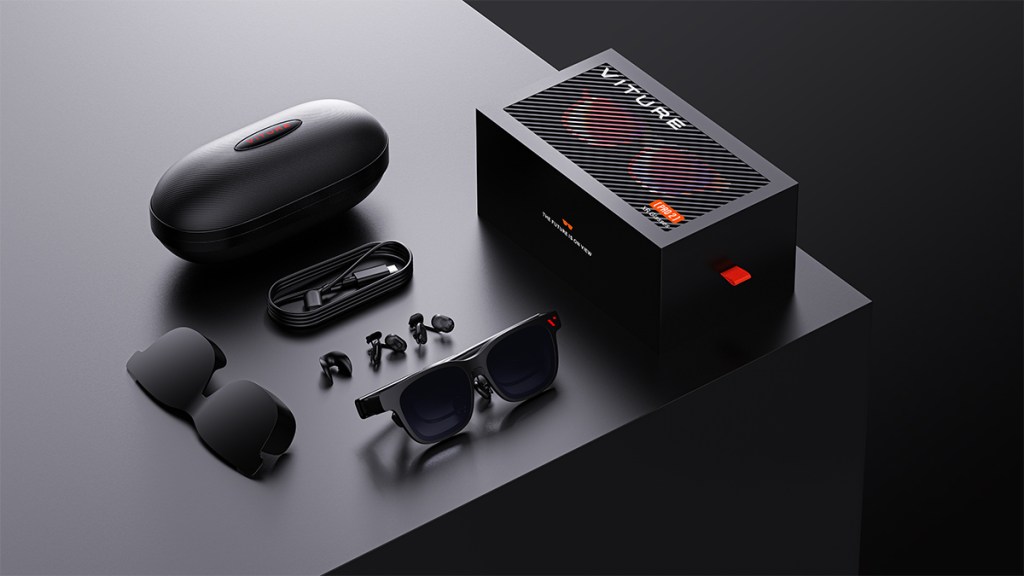
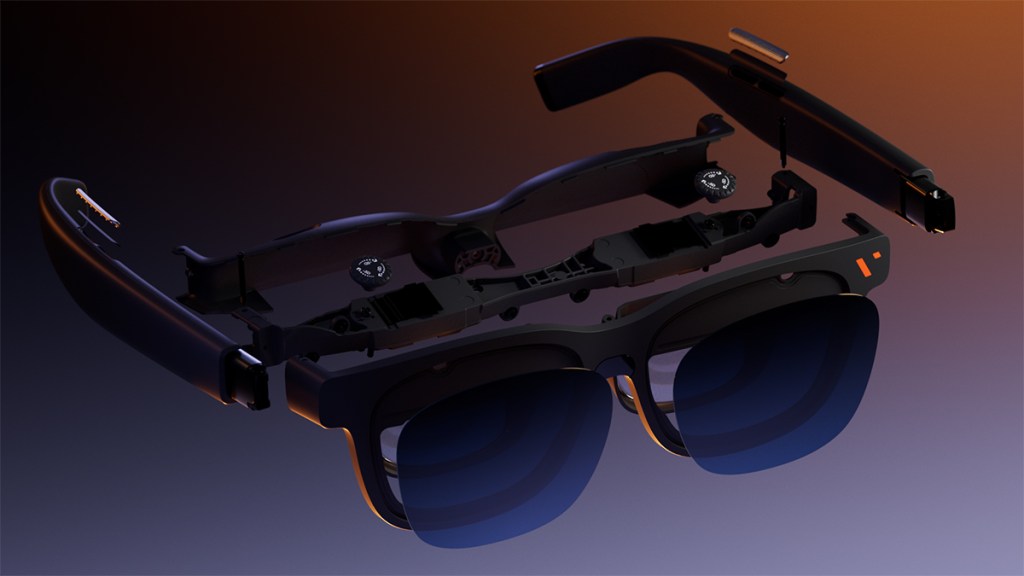
Three adjustable temple positions and three included nose pads, providing seven possible height settings, also make it easier to align the displays correctly.
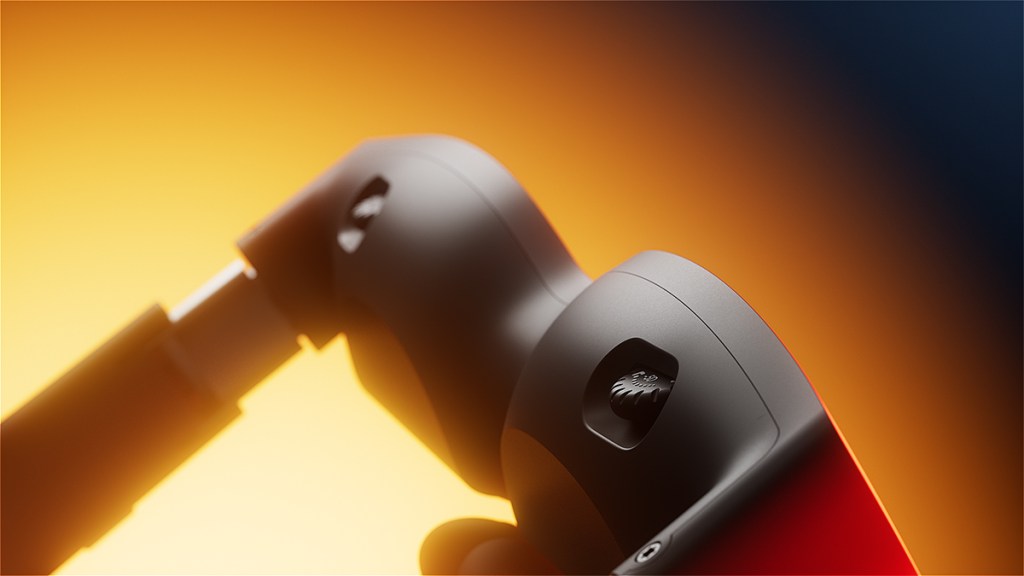
Independent diopter dials cover prescriptions from 0 to −5.0D. I needed very little correction, but this could save many short-sighted users from purchasing prescription inserts. Those with astigmatism or prescriptions outside that range may still need the optional prescription frame.
A full film without the fatigue
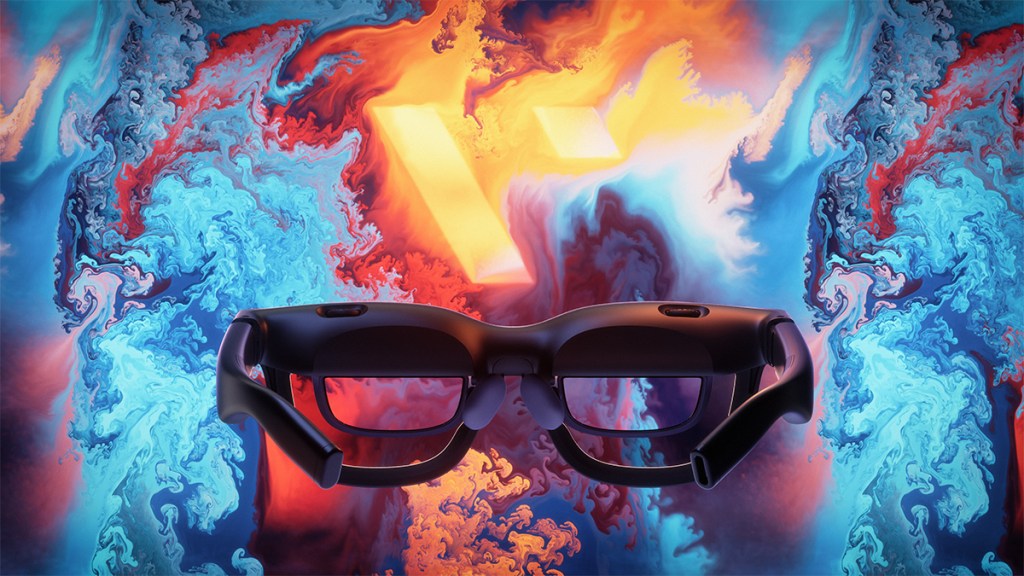
To test comfort beyond a quick gaming session, I watched Interstellar from beginning to end while lying back in my bed. By the time the credits rolled almost three hours later, I still hadn’t experienced any troublesome pressure, eye strain, or general discomfort.
The 63g weight makes a considerable difference during sessions like this. I feel like every gram VITURE managed to shave off with this model makes a significant difference.
I also completed the film without feeling compelled to swap to earphones. The open-ear speakers inevitably allow some sound to escape, but they were perfectly enjoyable in a quiet room. After the opening scenes, I largely stopped thinking about the audio hardware and concentrated on the film.
Big-screen gaming
The Switch 2 cannot send video directly to the glasses – it’s a “fun” Nintendo issue – so I used VITURE’s Pro Mobile Dock to play The Legend of Zelda: Tears of the Kingdom and Burnout Paradise Remastered. Requiring an additional accessory increases the overall cost, but this results from the console’s video-output requirements rather than a restriction unique to the Pro 2.
PC setup was simpler. I connected the glasses to a compatible USB-C port and tested Apex Legends. At 120Hz, controls felt responsive and quick camera movements remained clean without obvious smearing.
VITURE unveiled its smaller Mobile Dock Mini as part of the same launch. It was not available for me to test before this review, so I cannot comment on how it compares with the existing Pro Mobile Dock. VITURE’s hardware hasn’t let me down thus far, however, so I’m looking forward to trying it out.
Simply does it
Unlike several of VITURE’s more expensive glasses, the Pro 2 does not have electronic lens dimming. VITURE instead includes a detachable lens shade, which remained attached for much of my testing. It is a basic solution, but it blocked enough external light for gaming and movies.
The lightweight frame has some flex and does not feel quite as reassuringly sturdy as the protective case in which it arrives. Nothing loosened or caused concern during my testing, but I was more conscious of handling it carefully than I would be with a conventional pair of glasses.
The right arm of the Pro 2 can get quite warm during prolonged use. I couldn’t feel it against my face or anything; the warmth became apparent when I grabbed the arm to remove the glasses.
Disclosure: Review sample provided by VITURE.
Final Verdict
At $299, the VITURE Pro 2 preserves the most important parts of the experience while chopping features that many entertainment-focused buyers may seldom use. It makes the most sense for gaming, streaming, and watching movies on a private screen. The consistent clarity, comfort, capable speakers, and straightforward USB-C connection make it an excellent introduction to XR glasses without flagship pricing.
Positives and Negatives
-
Sharp, consistent edge-to-edge picture
-
Extremely comfortable during extended viewing
-
Truly enhance the watching and gaming experience
-
Bright and responsive 120Hz display
-
Useful built-in diopter adjustment
-
Excellent overall value at $299
-
Feature sacrifices, but I think they were ultimately the right call