The Huion Note Smart Notebook is for those of us who still love putting pen to paper, but who still want the convenience of being able to back our drawings and writing up digitally. It combines the timeless satisfaction of physical writing on paper with digital convenience, delivering the best of both worlds. After using it as my primary note-taking and doodling pad for three weeks, here’s my review.
Feels like quality
Out of the box, the Huion Note delivers an excellent first impression. It feels much more premium than I was expecting, which is an excellent start for something that promises a premium tangible writing experience.
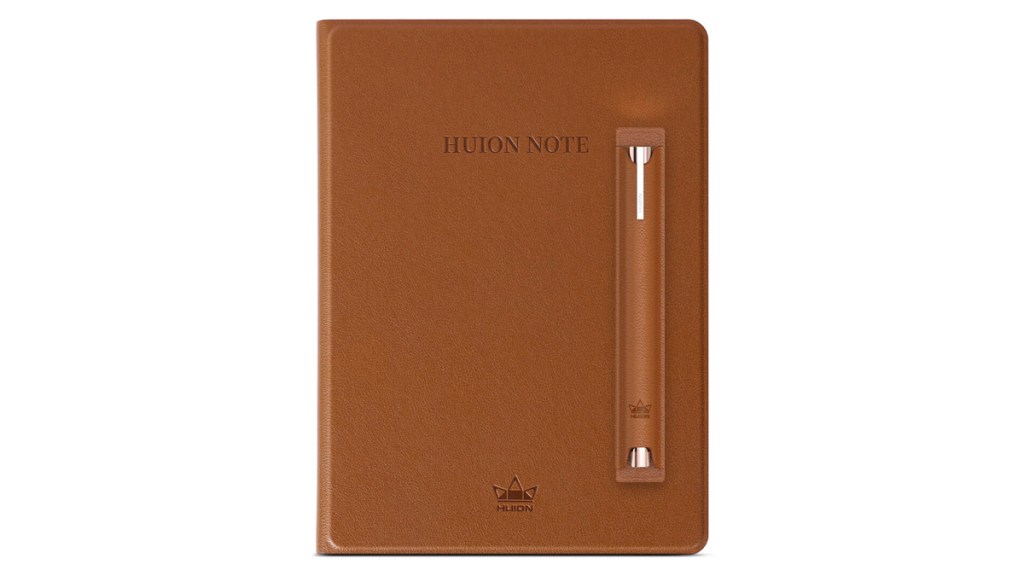
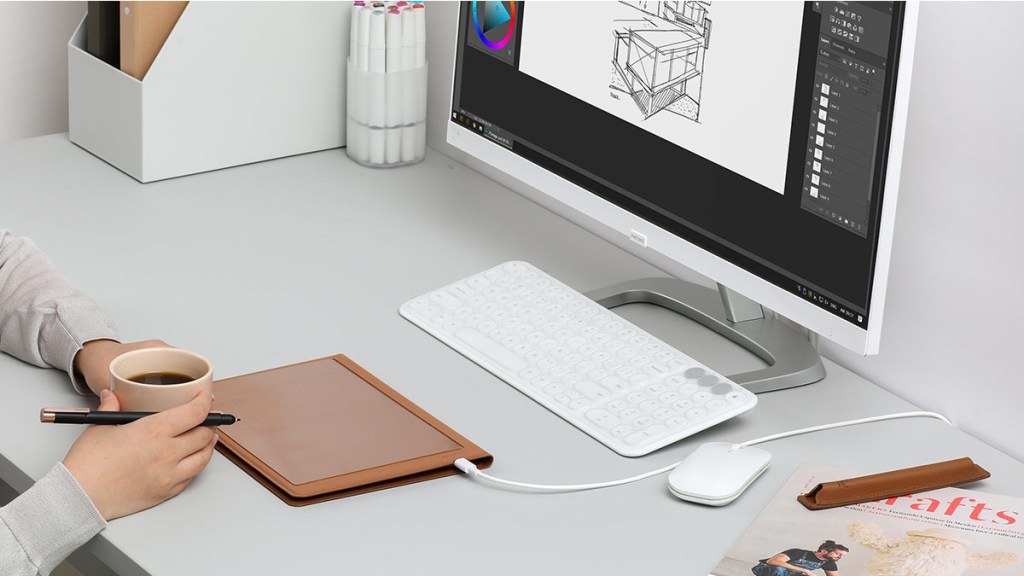
To the unknowing eye, the Note looks like a standard A5 notebook dressed in a good-looking faux leather cover. However, beneath the back cover is a panel that digitises any of the strokes made by the included Scribo 2 smart pen.
This pen feels great in the hand and is smooth to use. It is powered by battery-free EMR technology, so you won’t have to worry about charging it up.
Modern convenience
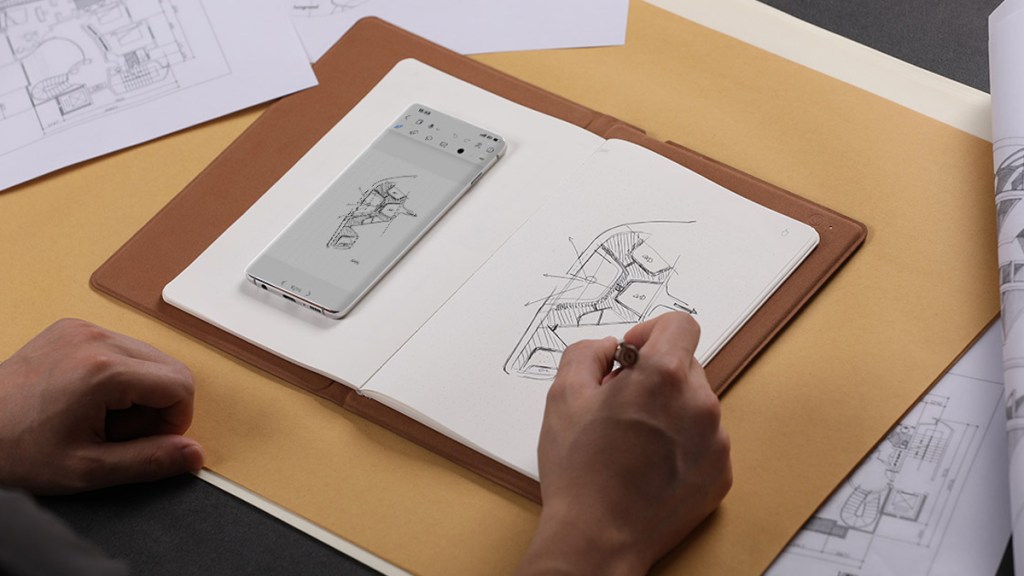
Anything added to the pages of the Note can sync to the user’s phone or PC using Bluetooth. If the phone or PC isn’t nearby, that’s fine, as the Note can store up to 50 pages using its built-in storage. This is great for when you just want to head out with just the Note, leaving all other tech distractions behind.
With up to 18 hours of battery life, the Note can last a full day of exclusive use, though I found charging it once during the weekend got me through each week.
When combined with the official app, the Note really shines with the ability to highlight, erase, and make other edits. Exporting as PDFs is fantastic for sharing to other devices or people.
Speak your mind
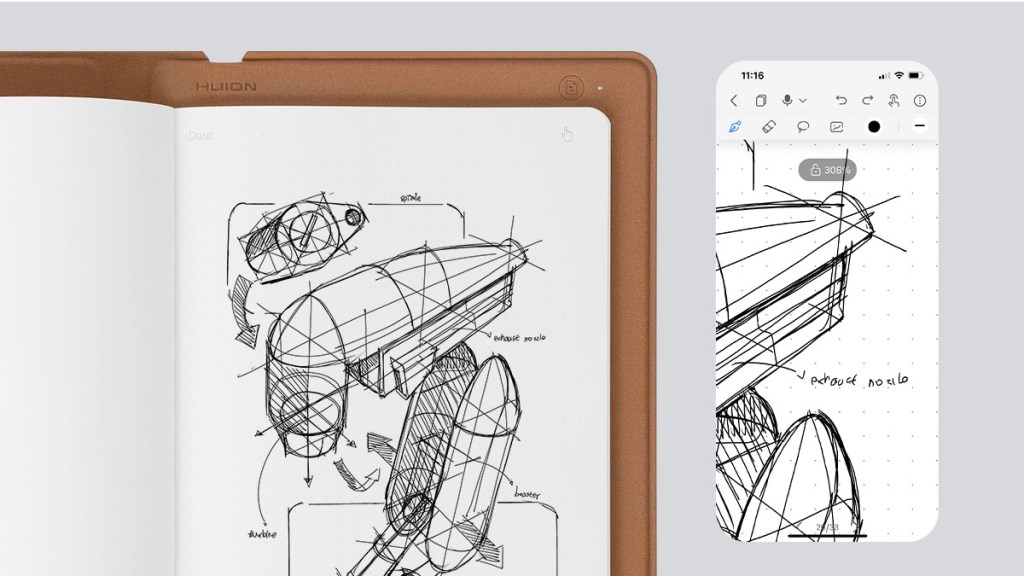
The addition of a microphone is a curious thing, though it absolutely could be useful for those who want to take voice notes while writing. I didn’t use the feature much during my testing, but it works well enough and audio notes can be reviewed in the app and sound clear.
The biggest strength of the Huion Note is how easy and natural it feels to use. Once you get used to syncing and saving pages, the friction is minimal, allowing users to sink into the experience of putting pen to paper.
Portability is also a big strength of the Note. It’s relatively slim and lightweight, making me want to actually pick it up and take it with me on the go.
Some nitpicks
Though the Huion Note has impressed me in many ways, there are a couple of quirks that users should know about.
First, the absence of a writing-to-text function was sad to see. Being able to quickly convert handwritten notes into text is something I find really useful. While I might be able to read my handwriting with ease, not everyone can, so changing it to text can help.
The other quirk I experienced was when it came to reorganising pages within the app. It can be quite finicky, granted this was when I had a lot of pages to shuffle around.
Disclosure: Review sample provided by Huion.
Final Verdict
At $119.99, the Huion Note Smart Notebook offers a satisfying balance between traditional writing and digital convenience. It feels good to use, travels well, and integrates smoothly with its companion app. While a few missing features and minor quirks may stand out to some users, the overall experience remains polished and enjoyable, making it a solid choice for those who want a more modern take on pen and paper.
Positives and Negatives
-
Natural pen-on-paper feel
-
Premium build quality
-
Battery-free smart pen
-
Offline storage up to 50 pages
-
Lightweight and portable
-
No handwriting-to-text conversion