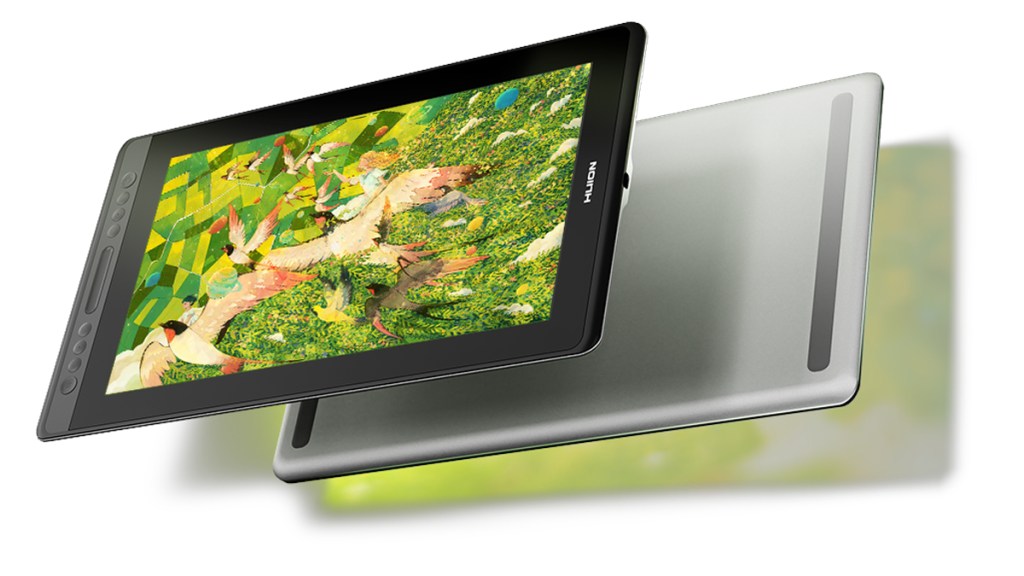
With the Kamvas Pro 16 V2, Huion is updating one of its more mid-range drawing tablets. The biggest change comes in pen performance, with the V2 supporting pens with the new PenTech 4.0 system. After using the Kamvas Pro 16 V2 for two weeks, it’s time for my review.
Specs first
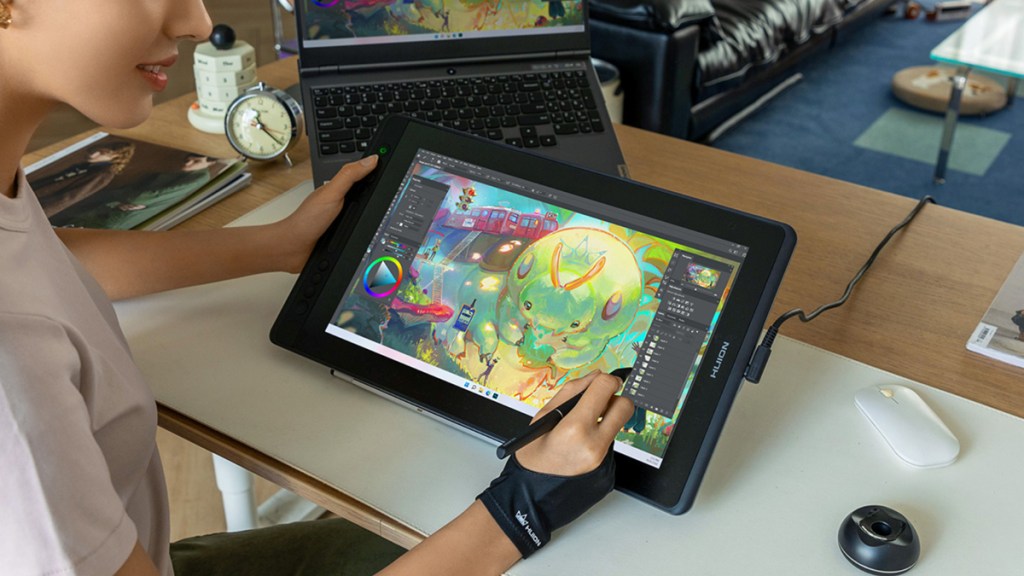
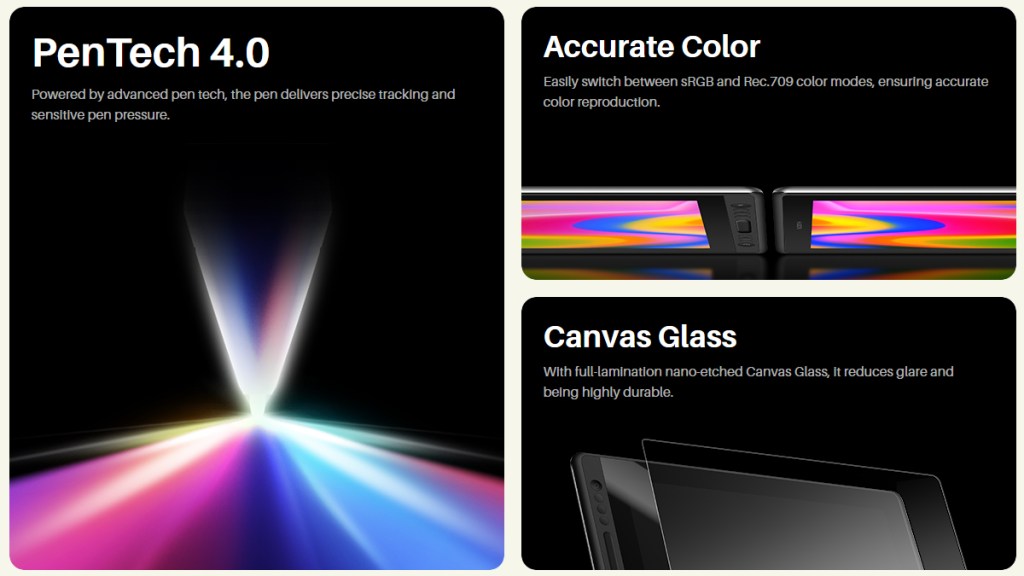
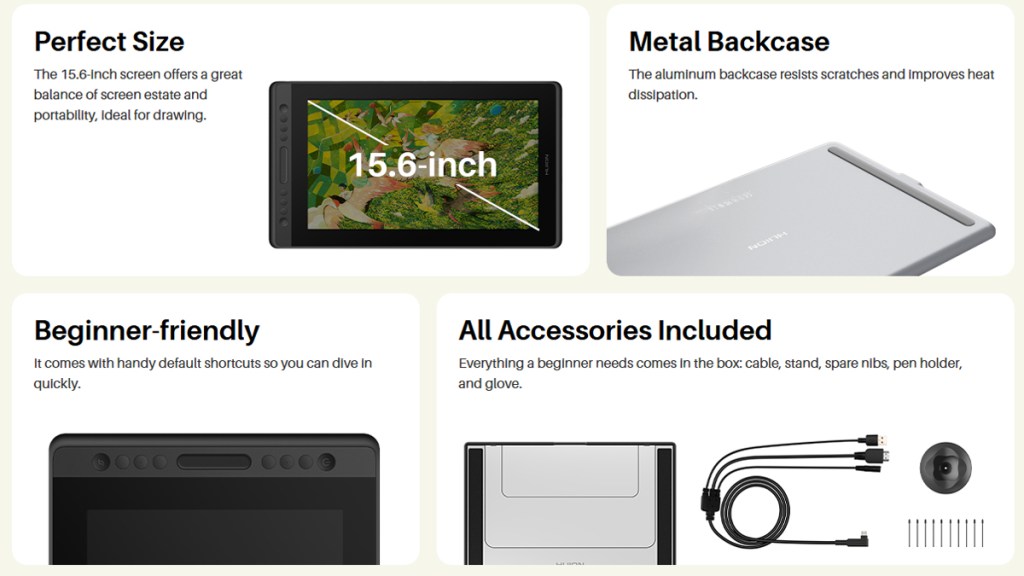
Specs-wise, the 11.5mm-thin Kamvas 16 Pro is equipped with a 1080p 15.6-inch IPS display. This screen enjoys the benefits of Huion’s nano-etched Canvas Glass to aid visibility, while also providing a satisfying texture, giving an almost paper-like feel.
The screen is a solid performer and feels great to draw on. However, potential buyers should note the 1080p resolution limit at this display size, as more pixels per inch may be desired.
Six programmable keys and a touch strip are located along the side, giving users the ability to personalize their setup for efficiency. It might take a few minutes to assign tools and functions to each key but, once configured, those keys will save users buckets of time.
All about the pen
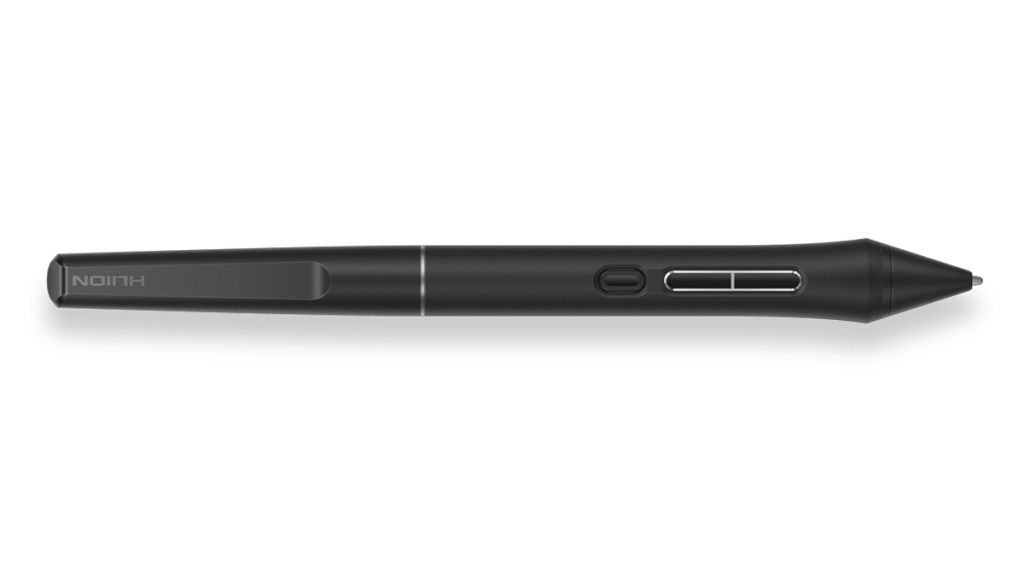
Taking a look at the pen, which is perhaps the main star of the show for the V2, the included PW600A stylus is built on Huion’s PenTech 4.0 system. It offers 16,384 pressure levels, ±60 degrees of tilt support, and is quick to activate with little force.
The pen feels like a real step up. Light strokes are especially pleasing to see rendered accurately. Pressure is handled exceptionally well by the PW600A, which can be a real game-changer.
Dressed to impress
Throughout my use, I was impressed by the product’s build quality. The metal back is reassuringly tough. I’m normally skeptical of metal backs for drawing tablets as heat quickly traces through them, but I experienced no such issues with the Kamvas Pro 16.
Another aspect I was impressed by was the unboxing experience. Huion gives users so much in the box, which is fantastic given the trend amongst many tech companies is to keep reducing what comes inside the box with the product.
Some drawbacks
The biggest limitation of the Kamvas Pro 16 V2 is the display. The size-and-resolution combination stands out, and not in a good way. Compared to other screens which look incredibly crisp, Huion’s 1080p display is going to stand out prominently.
I’m also not the biggest fan of the touch strip, which can be a bit inconsistent when interacting with it. It’s fine 90% of the time, but when it does miss an input, it is quite frustrating and can really slow down the flow.
Disclosure: Review sample provided by Huion.
Final Verdict
At $399, the Huion Kamvas Pro 16 V2 is a solid mid-range drawing tablet with a clear focus on pen performance and overall build quality. The updated pen feels responsive and accurate, and the tablet itself is well made, with useful shortcut keys and a generous in-box package.
That said, the display and touch strip hold it back slightly and may not appeal to everyone. Even so, the Kamvas Pro 16 V2 offers a capable and enjoyable drawing experience, especially for those who value pen feel over screen sharpness.
Positives and Negatives
-
Excellent pen pressure sensitivity
-
Responsive PenTech 4.0 stylus
-
Satisfying paper-like screen texture
-
Solid build quality
-
Useful programmable shortcut keys
-
Generous in-box accessories
-
Low resolution for screen size
-
Inconsistent touch strip performance