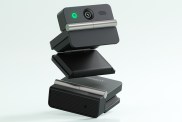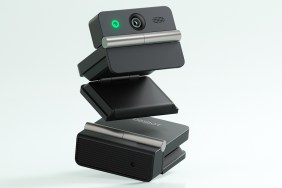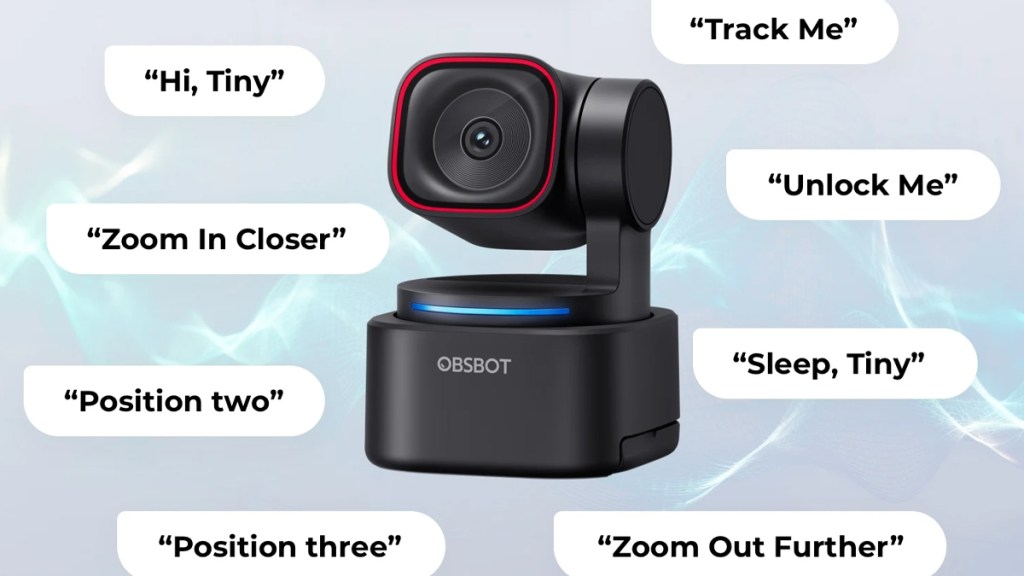
The OBSBOT Tiny 3 Lite is a cheaper variant of the new flagship, coming in at $199 compared to $349. With that significant price decrease, you might be expecting a massive downgrade in performance. However, I’m happy to report that, in the right conditions, the Tiny 3 Lite might be all you need for meetings, streaming, and content creation. Here is my review.
Capture this
Packing a ½” CMOS sensor that can capture up to 4K at 30 FPS or 1080p at 120 FPS, the Tiny 3 Lite has a great image, particularly in well-lit environments. While low-light performance does take a dip compared to its bigger non-Lite brother, it’s still plenty usable. However, for the best results, daylight or a dedicated light for video calls is ideal.
Not only does the Tiny 3 Lite capture a great image, but it can do it while panning and tilting to follow the subject. PTZ webcams like this can be incredibly handy for those who want to move around while presenting, or who just want to set and forget their webcam and know that they will always be in-shot.
Audio has been given a bump up with the Tiny 3 Lite, with three microphones allowing for a variety of capture modes. These work well to enhance audio and are certainly an improvement over what came before. With that said, I’d personally opt for a dedicated mic for work meetings and content creation, but it’s nice to know the Tiny 3 Lite’s built-in audio can be utilized in a pinch.
Get tracking
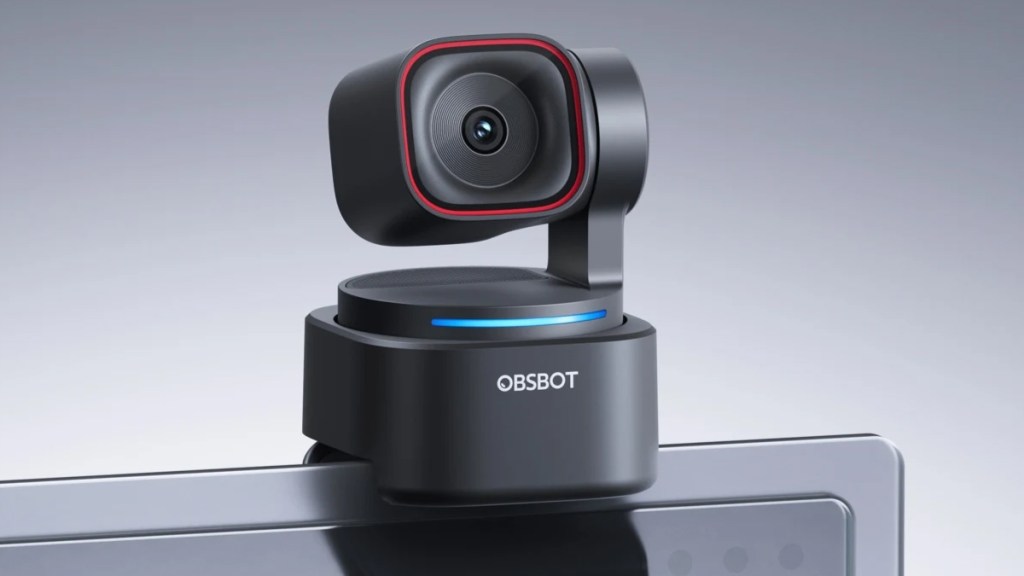
As always, the PTZ tracking features of the Tiny 3 Lite are the main attraction. OBSBOT is one of the best when it comes to tracking hardware and tech, so it’s no surprise that this camera’s tracking works wonderfully.
Image quality is another big reason to own this camera. Though the Tiny 3 non-Lite is objectively better, the difference isn’t enormous, especially in decent lighting conditions.
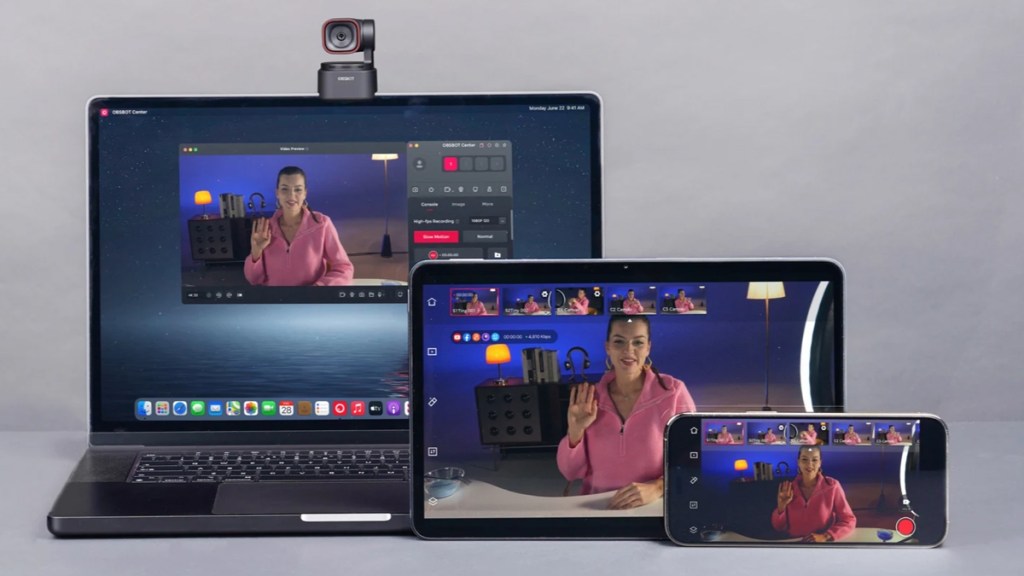
The software is also well-polished and has worked flawlessly in my experience. While there are lots of settings to tweak, they are situated in logical submenus, making it easy for users to find exactly what they are looking for.
The dark downside
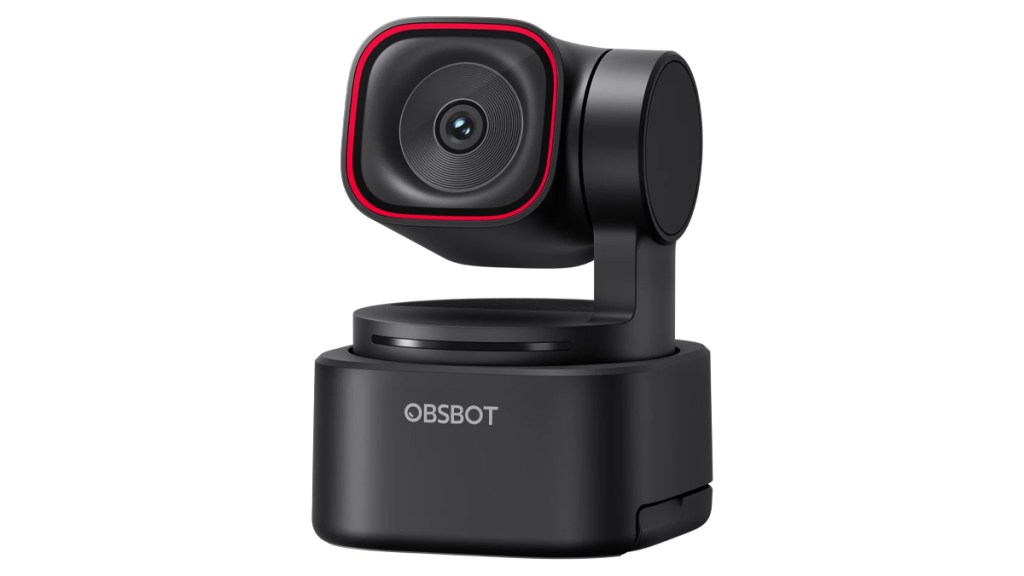
The main downside of the Tiny 3 Lite is its low-light performance. In less-than-ideal lighting conditions, the image softens and noise is introduced. However, if you always have a light at the ready, this becomes much less of a problem.
I should also mention another of the Tiny 3 Lite’s cut features. This Lite variant doesn’t support the Desk and Whiteboard modes. If you’re someone who makes frequent use of those handy features, then you’ll have to splurge for the more expensive Tiny 3.
Disclosure: Review sample provided by OBSBOT.
Final Verdict
At $199, the OBSBOT Tiny 3 Lite offers a strong balance of performance and features for its price. In the right lighting, it delivers solid image quality, dependable tracking, and a polished software experience. While there are some noticeable compromises, they’re easy to overlook if they don’t affect your workflow. For many users, the Tiny 3 Lite will be more than enough.
Positives and Negatives
-
Significantly lower price point
-
Sharp image in good lighting
-
Reliable PTZ subject tracking
-
Improved built-in microphone array
-
Polished, easy-to-navigate software
-
Missing Desk and Whiteboard modes
-
Weaker low-light image quality