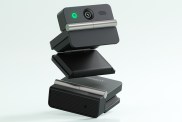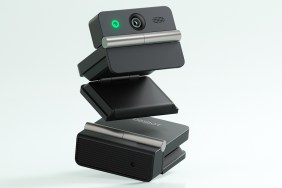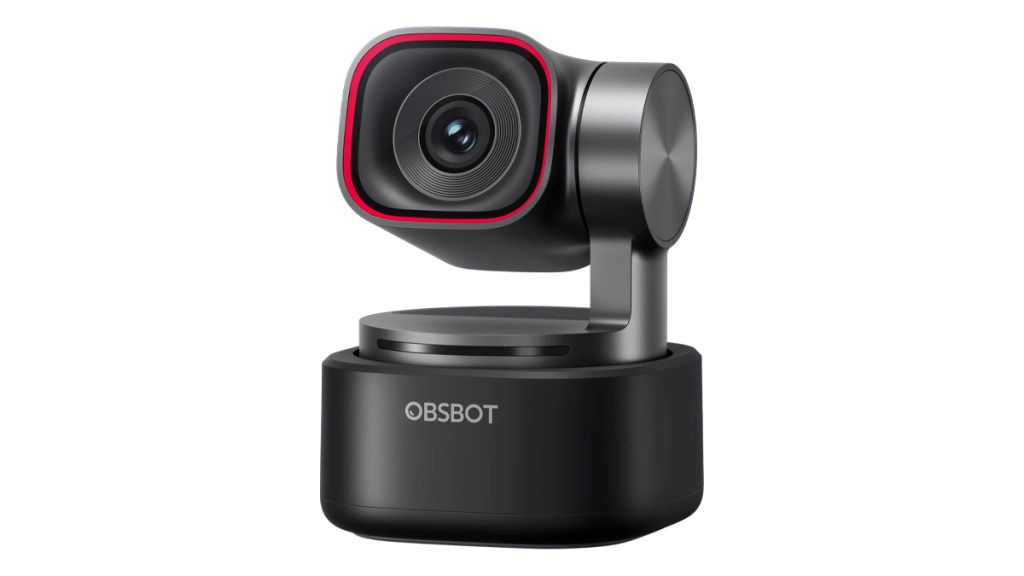
The OBSBOT Tiny 3 looks to push the envelope even further when it comes to PTZ webcams. This time around, there’s a big focus on built-in audio, in addition to top-of-the-range pan-and-tilt with AI features. It all sounds great on paper, but how does it fare in the real world? Here is my review.
Quality improvements
With its 1/1.28” CMOS sensor, the Tiny 3 touts impressive image quality and low-light performance at up to 4K at 30 FPS or 1080p at 240 FPS. Autofocus is fast, too, which is helpful for those moving a lot during their presentation.
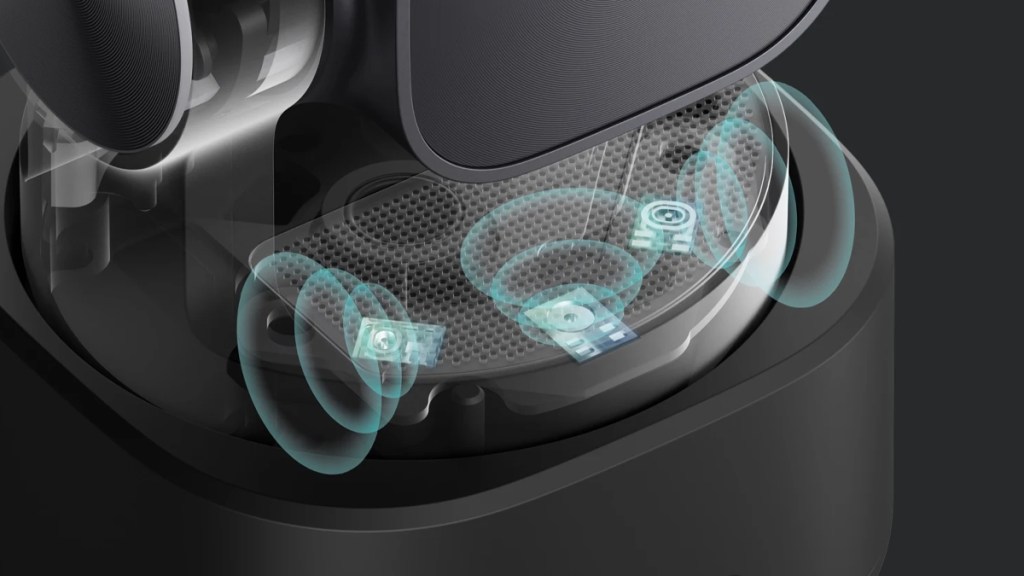
As mentioned in the intro, OBSBOT aims to give the Tiny 3 a big audio quality boost. It boasts a triple microphone array, unlocking various directional modes. The voice-based tracking is especially deserving of a highlight, as the camera can turn to focus on the speaker in multi-person conversations.
Center of the world
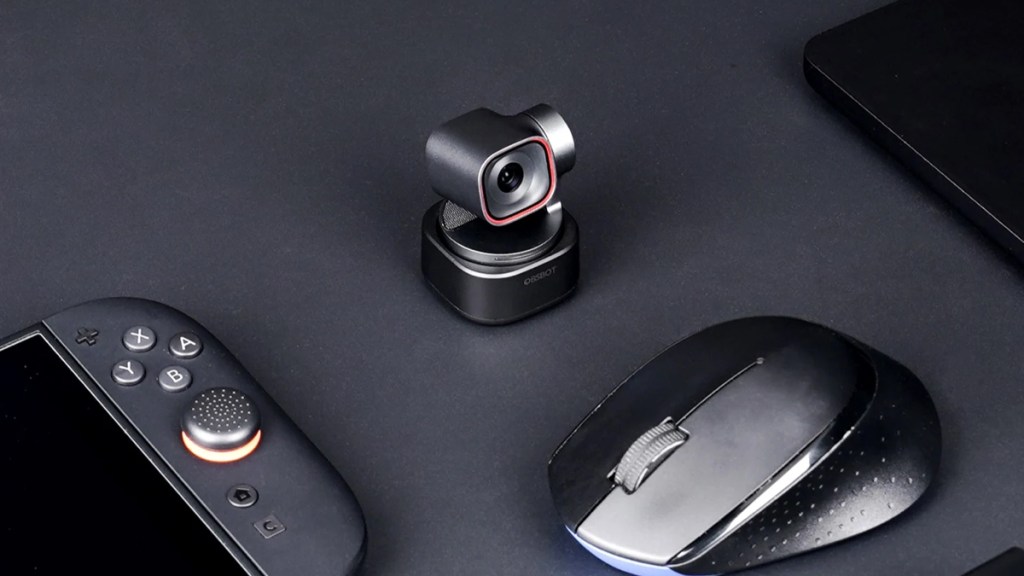
To take advantage of settings like this, users will have to install OBSBOT Center. Though the Tiny 3 can operate without installing software, which is useful for pairing it with non-PC devices like games consoles, the app is needed to take advantage of this capable little camera’s full set of features.
Thankfully, the software works incredibly well and has been continually improved over the years. OBSBOT makes it simple to find the settings users want, customize different profiles, and save them all without issue.
Tracking mastered
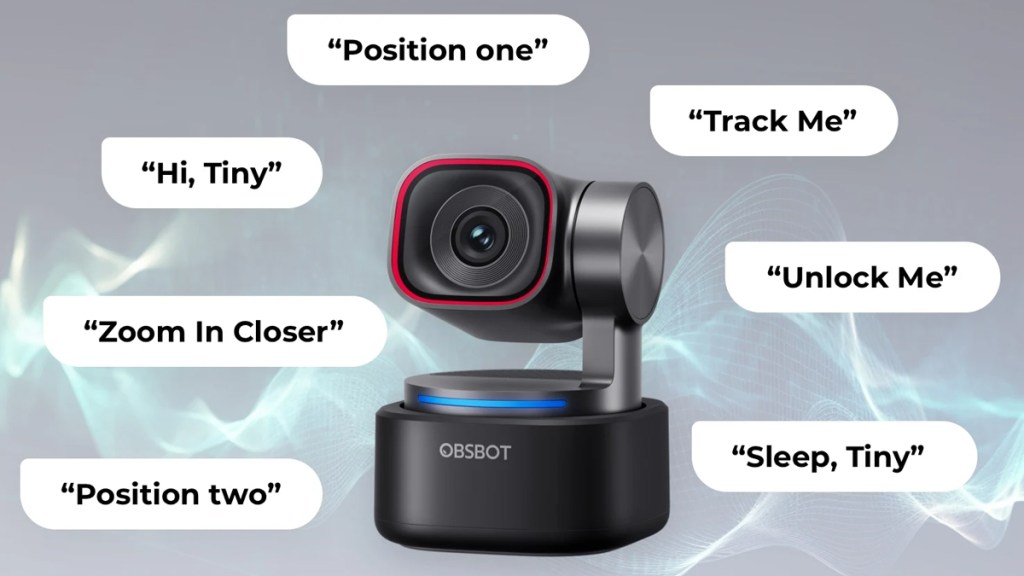
Ever since the launch of OBSBOT’s first PTZ camera, tracking has been the standout feature. While this remains true with the Tiny 3, I have to say that image quality has also become seriously impressive. It beats out most other webcams and, crucially for those who just want to plug in and get going, it looks great at stock settings.
Audio performance is deserving of a shout-out, too. While I use a dedicated microphone for meetings and streaming, it’s nice to know that if I ever travel or need a plan B, the OBSBOT Tiny 3’s mic can deliver. It can certainly be used for meetings without issue, though for anything more, I would recommend a cheap dedicated microphone.
The elephant in the room
When it comes to downsides, my main complaint has to be the price. While I think the Tiny 3 delivers a premium experience, the $349 cost is going to make it unavailable to many.
Thankfully, there is a Lite version that I’ll be reviewing separately. That Lite version packs in much of what makes the Tiny 3 so great and I think for its $199 price, the cheaper version will be the better buy for most.
With that said, the Tiny 3 undoubtedly delivers an uncompromised experience with the best sensor and low-light performance, being the true flagship. It also comes bundled with a quality case that is perfect for portable protection.
Disclosure: Review sample provided by OBSBOT.
Final Verdict
At $349, the OBSBOT Tiny 3 positions itself firmly at the high-end of the webcam market. It delivers a polished, well-rounded experience, combining strong image quality, reliable tracking, and improved audio in a compact package.
While the cost will put it out of reach for some, those looking for a premium, no-fuss PTZ webcam will find plenty to like here.
Positives and Negatives
-
Excellent image quality and low-light
-
Fast, reliable autofocus performance
-
Smooth AI pan-and-tilt tracking
-
Effective voice-based speaker tracking
-
Strong built-in microphone array
-
Looks great at stock settings
-
Well-designed, easy-to-use software
-
Compact design with protective case
-
High price limits accessibility