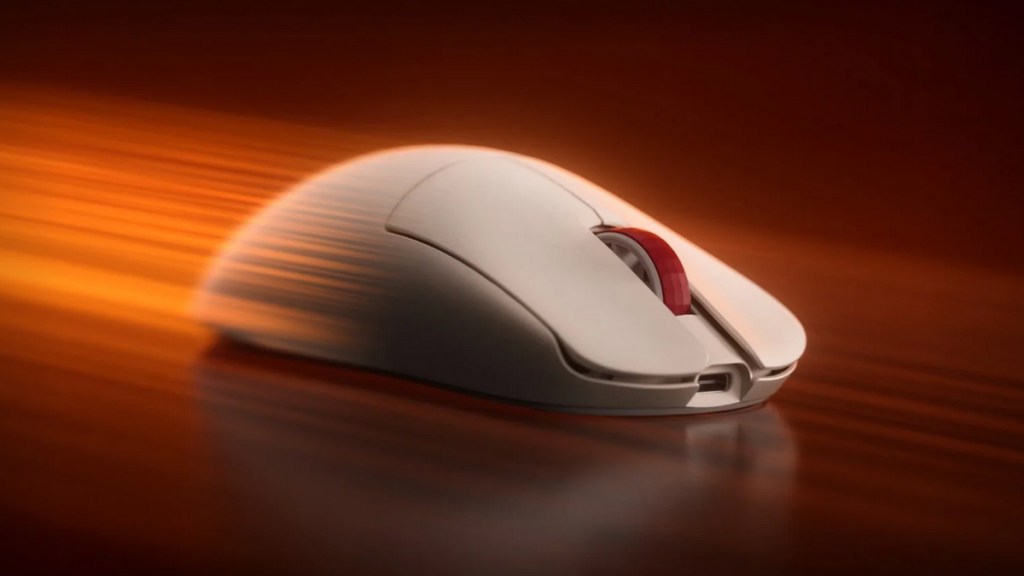
Keychron has launched three new lightweight gaming mice in the form of the G3, G4, and G5. For this review, I’m looking at the G4, which feels like the middle-ground option of the lineup. It isn’t trying to be the thinnest or the absolute lightest, and that works in its favor. At 55 grams, it’s still impressively light, but there’s a little more body here for those who want speed without losing that sense of control. Here is my review.
A lightweight mouse with a bit more presence
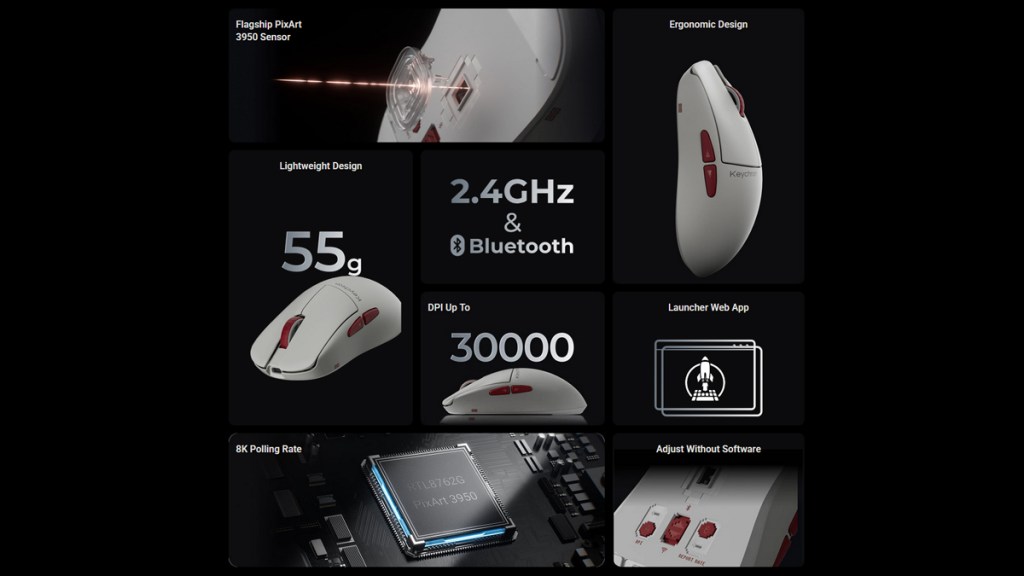
The G4 is powered by the PixArt 3950 sensor, putting it right where I’d want a modern gaming mouse to be. It supports up to 8K polling over 2.4 GHz wireless and wired USB-C, while also offering Bluetooth connectivity. That makes it easy to move from a gaming PC to a laptop or work setup without much fuss.
In the hand, the G4 has a flatter feel than the G3, with a more central hump and a compact-but-not-tiny footprint. I can see this shape working especially well for fingertip grip users, as well as those with smaller hands. It’s quick to reposition, easy to lift, and never feels like it’s fighting against you.
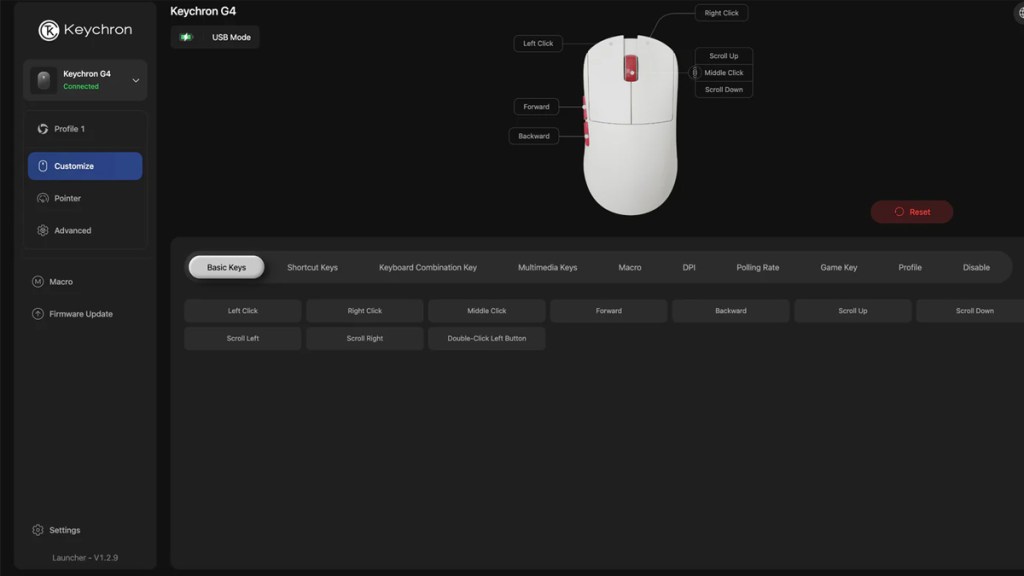
Customization is handled through Keychron Launcher, the company’s browser-based tool. There’s no chunky software suite to install, which is always a win. From there, you can adjust DPI, polling rate, profiles, macros, and other useful settings. There are also buttons on the underside for changing DPI and polling rate directly on the mouse, which is a small but very welcome touch.
Strong performance with a few trade-offs
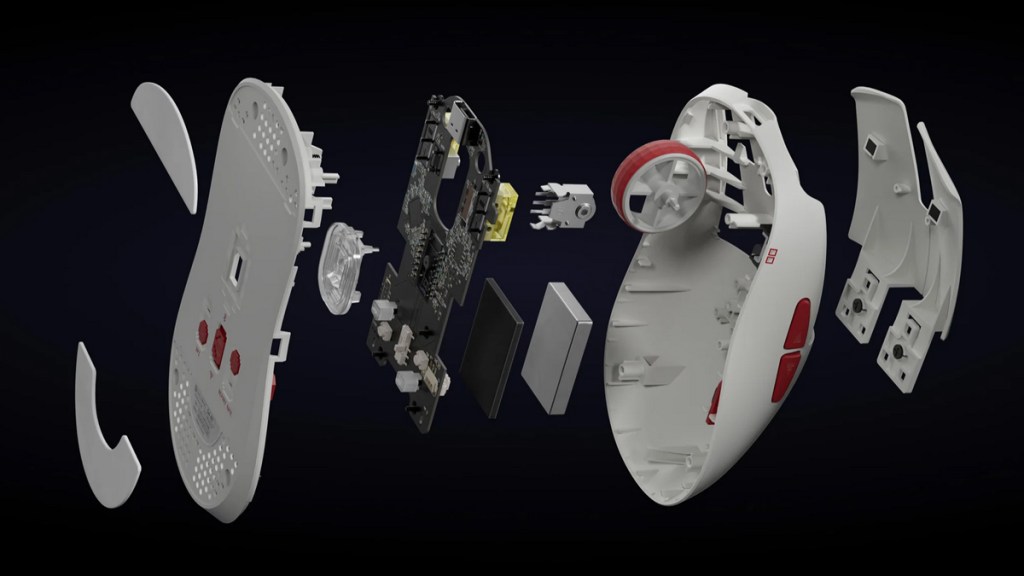
In games, the G4 performs exactly as I’d hoped. The PixArt 3950 tracks cleanly and consistently, and the Huano switches deliver a satisfying, responsive click. During fast flicks, smaller corrections, and general desktop use, I didn’t run into any issues.
The 55-gram weight also gives the G4 a slightly different feel compared to the G3 and G5. It’s still light enough to feel fast, but it has a touch more stability to it. For players who find ultra-light mice a little too airy, this could be the sweet spot.
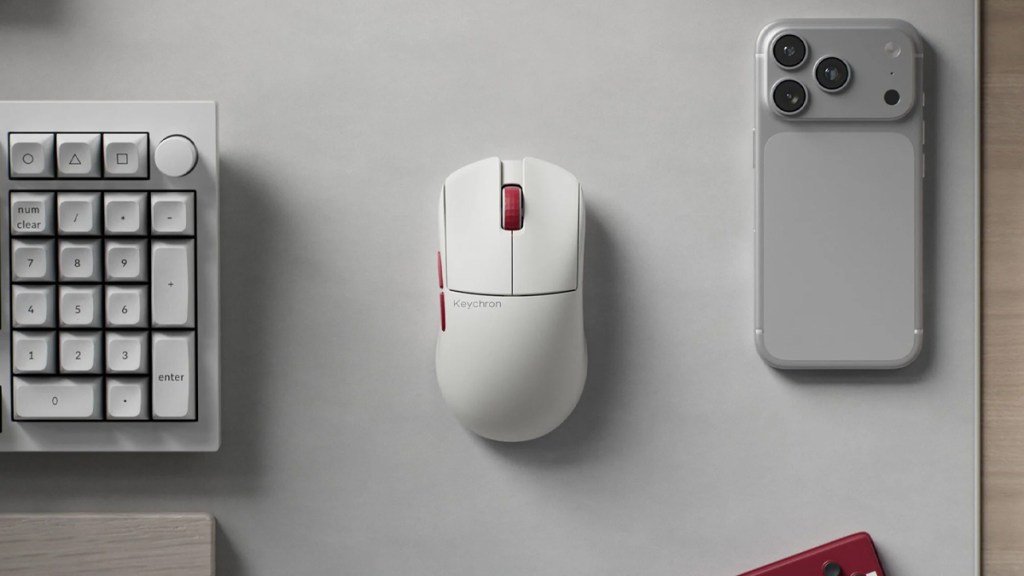
The shape is also one of the G4’s biggest strengths. The flatter profile and smaller frame make fine adjustments feel natural, particularly with fingertip control. It’s the kind of mouse that feels easy to understand within minutes.
There are a couple of downsides, though. The G4 doesn’t feel quite as premium as the carbon fiber versions of the G3 and G5, and my sample didn’t include replacement skates, which I would have liked to see. Also, if your main goal is to get the lowest possible weight, this won’t be the most exciting option in Keychron’s new trio.
Disclosure: Review sample provided by Keychron.
Final Verdict
At $79.99, the Keychron G4 is a very easy mouse to recommend. It has the high-end sensor, fast wireless and wired performance, useful browser-based customization, and a shape that should work for a lot of players. It may not be the flashiest or lightest mouse Keychron has just launched, but for many people, it could be the most practical choice of the three.
Positives and Negatives
-
Balanced weight with added stability
-
Flatter shape suits fingertip users
-
Useful underside control buttons
-
Practical choice for many players
-
Not the lowest-weight option
-
Less premium than the other choices