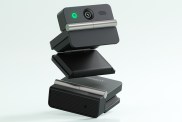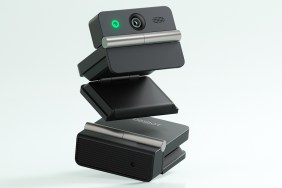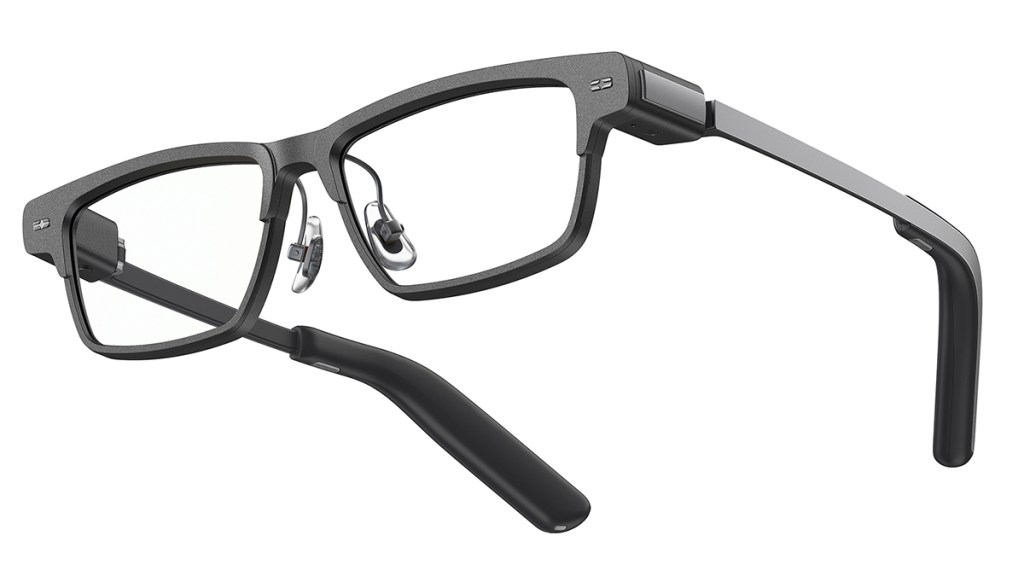
The XGIMI MemoMind One smart glasses take a different approach. While other products have incorporated a camera into a not-so-subtle chunky frame, the MemoMind One intentionally omits any camera system. For those who want the convenience of some smart features, without the camera concerns, XGIMI has an option here. After using the glasses for several weeks, it’s time for my MemoMind One review.
Display wins
The big headline feature of the XGIMI MemoMind One is the micro-LED display. This display puts useful information in your view, without it being visible to other people. It’s pretty nifty and the green color reminds me of the Fallout 3 Pip-Boy, which is a neat bonus.
Text appears crisp in the view and I’ve never had to strain my eyes. I’m often wary about glasses like these, as I can be prone to headaches, but I’ve had no issues with the MemoMind One.
The display can be used for more basic incoming messages, reminders, and notes, or the more complex navigation, captions, translations, and AI answers.
Other hardware strengths

The visual output is great, if a little simple, but the audio produced by the MemoMind One deserves a mention, too. The speakers here are “Harman-powered” and use an open-ear solution. I think they sound great and they don’t let as much sound bleed into the environment as you might expect.
Battery life just about manages to hit the all-important 16-hour mark. Assuming users sleep for eight hours, charging the glasses overnight, then this product should last every waking moment, assuming normal usage. If you use the display and/or audio in a more “power user” manner, then of course the battery will drain more quickly. Thankfully, recharging is simple enough.
In daily use, I enjoyed using the Gotham sample model. This design is particularly timeless, I feel, helping it blend in nicely. Nobody knew I was wearing smart glasses and, as there’s no camera, I didn’t feel bad about it being a secret.
The glasses themselves are lightweight and can be customized with ZEISS prescription lenses. I prefer to use contact lenses and then just have normal glass in the smart glasses and sunglasses I wear, but it’s good to see proper prescription support here.
No camera here
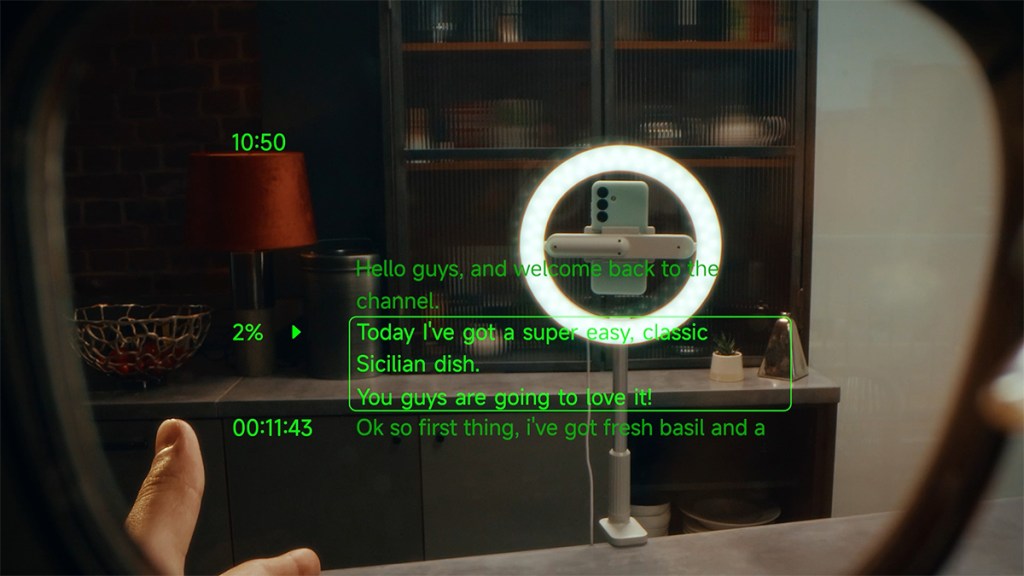
The big decision with the MemoMind One is the lack of a camera. Rather than a limitation that puts it a step below other competitors, the point of this product seems to be less about content creation and more about displaying priority information in a convenient way, without the user needing to pull out their phone.
As more and more people try to move away from “doomscrolling” and high screen time numbers, tools like the MemoMind One, which keep you up-to-date with important messages and reminders, without getting you sucked into other apps vying for your attention, can be really helpful.
Beyond just notifications
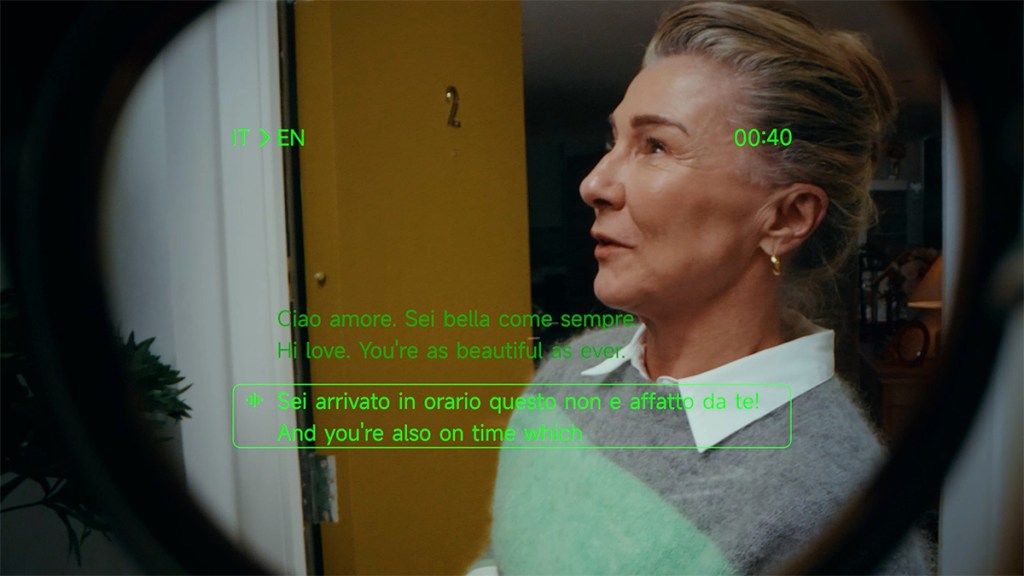
Though 90% of my usage has been pretty basic, with messages and reminders being the main notifications popping up in my feed, there are plenty of other features to explore.
Translation and captions are the two that stand out most, as having live text appear in your view feels like one of those futuristic features that actually makes sense for smart glasses. I didn’t need translation every day, but I can see it being useful for frequent travelers or anyone regularly communicating across different languages. Captions could also be handy in noisy environments, or any situation where you want a bit of extra help catching what someone said.
The AI Recorder, Idea Notes, teleprompter, and navigation features also fit the format well. Recording meetings or quick conversations and then getting the key details summarized is useful, though privacy still matters even without a camera. Idea Notes feels like one of the more natural tools here, letting you capture thoughts when pulling out a phone would be annoying. The teleprompter is more niche, but useful for creators and presenters, while walking directions in your line of sight make navigation feel smoother, even if it doesn’t completely change how you get around.
Too many features?

As for downsides, the main one for me is that not everyone will need this much functionality on their face. If you only want headphones, a smartwatch, or a way to check notifications, this might feel like overkill. The MemoMind One makes most sense for people who already like the idea of smart glasses and want to experiment with what this form factor can do, while also being okay with the price tag.
Additionally, navigating the arsenal of features can be a little complicated and took me some time to get used to. At times, I did have to bring out my phone to interact with the app.
As for the AI features, they can be useful, but the consistency is not quite there. To be fair, this goes for all AI integrations in modern tech.
Disclosure: Review sample provided by XGIMI.
Final Verdict
Starting at $599 – though currently cheaper through the Kickstarter – the XGIMI MemoMind One is a strong first step into AI smart glasses from a company better known for projectors. The crisp display, solid audio, and genuinely useful notification features make this an easy product to enjoy using day to day. It still has room to improve, particularly when it comes to controls and the broader AI features, but the core experience is good enough to recommend to early adopters.
Positives and Negatives
-
Camera-free design feels discreet
-
Crisp private display
-
Solid open-ear audio
-
Useful notification features
-
ZEISS prescription lens support
-
AI features have their uses, but aren't consistently useful
-
High cost may deter folks