The Huion Note E markets itself as a “digital notebook,” encouraging users to ditch the traditional paper alternative to benefit from practically infinite pages and simple digital storage with syncing across the cloud. Add on the fact that the Note E is a full Android tablet, capable of running all sorts of apps, and you’re faced with a very interesting product. After testing the Note E for several weeks, it’s time for my review.
Dressed to impress
When it comes to first impressions, the Huion Note E delivers a solid unboxing experience. The tablet itself has a folio case attached and it all feels very high quality. The pen, which magnetizes to the side of the tablet, is battery-free, meaning it will always be ready to go.
This PenTech 3.0 EMR stylus is worthy of highlighting, as it supports 8,192 levels of pressure and has a nifty tail eraser. Initially, this confused me, as I thought it was a button, but it’s actually used like a real pencil eraser, with the user flipping the pen around to erase any errors. It works remarkably well.
Spec highlights
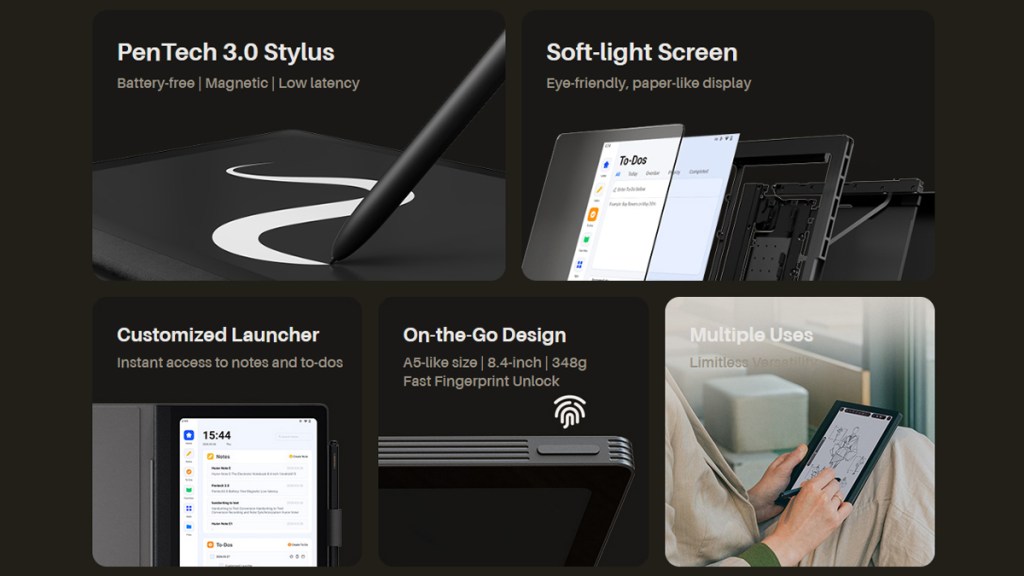
Other spec highlights include the tablet’s 8.4” matte display with a resolution of 1920×1200. Apps, both the pre-installed writing/drawing tools and those installed via the Play Store, are powered by a Helio G99 processor with 6 GB of RAM and 128 GB of storage.
Though that processor doesn’t really compare to the high-performance CPUs found in modern flagship phones and tablets, it performed well when taking notes and making light sketches. It’s good enough and I imagine that is part of how Huion was able to reduce costs.
Nails the e-ink look

While it might look like an e-ink display, Huion has in fact applied an anti-glare nano-etching technology to create that matte paper-like surface. This results in a great writing feel with the provided stylus, as well as a great reading experience, especially for genres like manga where colors pop much more than you see on color e-ink displays.
Running Huion’s own launcher, the Note E keeps creative tasks front and center. While allowing for some personalization, I do like how focused I feel when using this tablet. I pick it up to do work and I immediately dive into my writing app. Compare this to my iPad or phone, where distractions are aplenty.
Paper-like writing experience
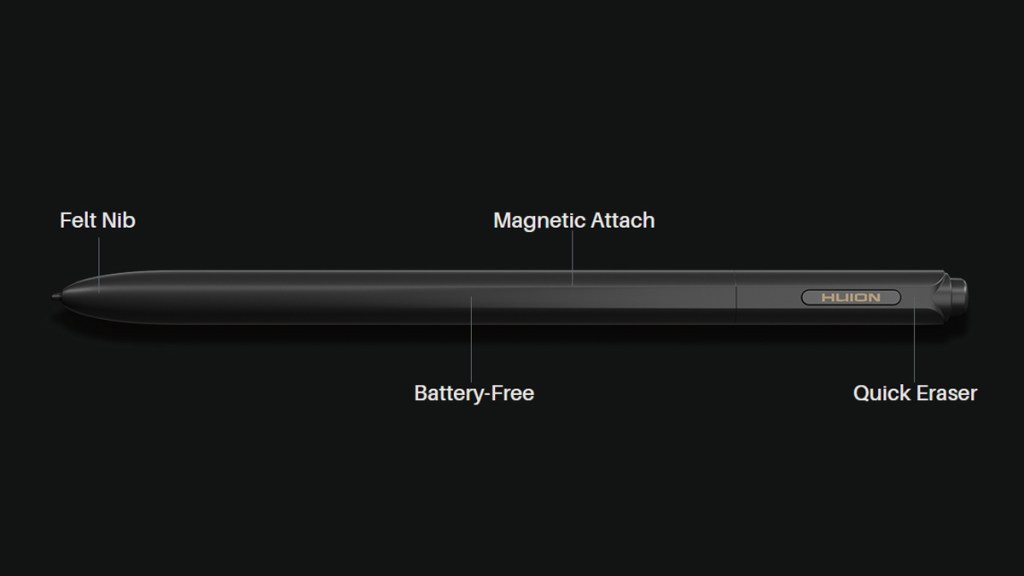
Once you’re in your desired creative app, the provided stylus really shines. This is an exceptional tool and it’s wonderful to see it come bundled in the box. It feels accurate to use, is a comfortable size and thickness, and just begs to be picked up.
Battery life is decent, with Huion rating it for “about 6.5 hours (at 50% brightness)” which I found accurate. It supports 18W charging, which is handy for faster recharge.
Worth bearing in mind
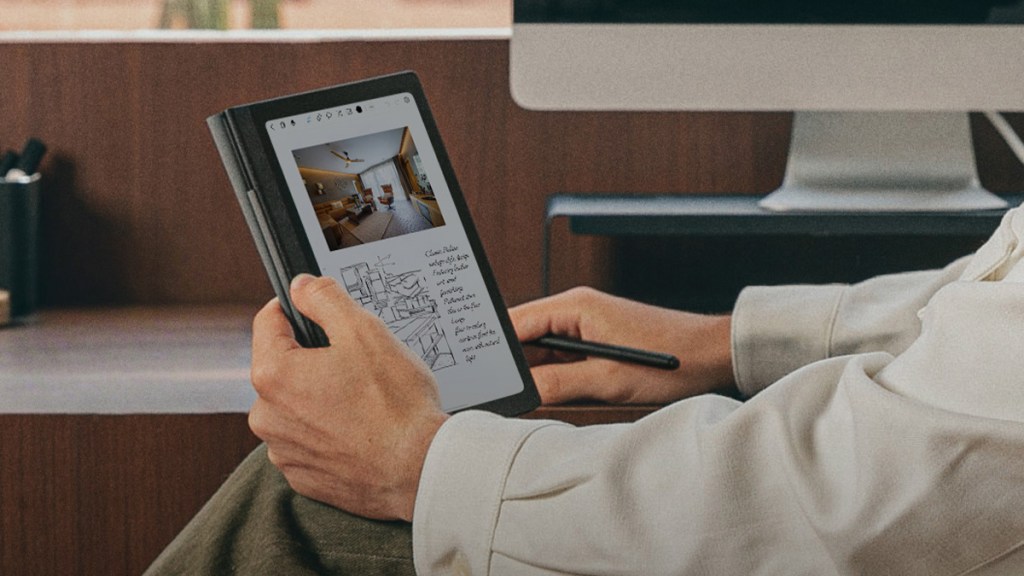
When it comes to downsides, I have some nitpicks about the Huion Note E. First, the 8.4” size makes it an excellent notebook replacement, but it might be too diminutive for those looking to sketch on a greater scale.
The lower-powered processor also puts a limit on the kind of apps users can run. While it works perfectly well for less-demanding note-taking apps, creatives looking to push beyond with Adobe apps with multiple layers and effects may reach a limit sooner rather than later. For the price, you might be expecting more from the components within.
Disclosure: Review sample provided by Huion. (Amazon link)
Final Verdict
At $369, the Huion Note E is a very interesting option for anyone who wants a more focused digital notebook experience without giving up the flexibility of Android. It has some limits, especially when it comes to performance and screen size, but the overall package is still compelling.
It won’t be for everyone, but for note-taking, reading, sketching, and general creative use, the Note E does a lot right. For the right user, it could be a very handy everyday companion.
Positives and Negatives
-
Paper-like matte writing surface
-
Focused Android creative experience
-
Battery-free stylus works accurately
-
High-quality folio case included
-
Fantastic for notes and reading
-
Handy 18W charging support
-
Components feel modest for price
-
Performance suits lighter creative apps